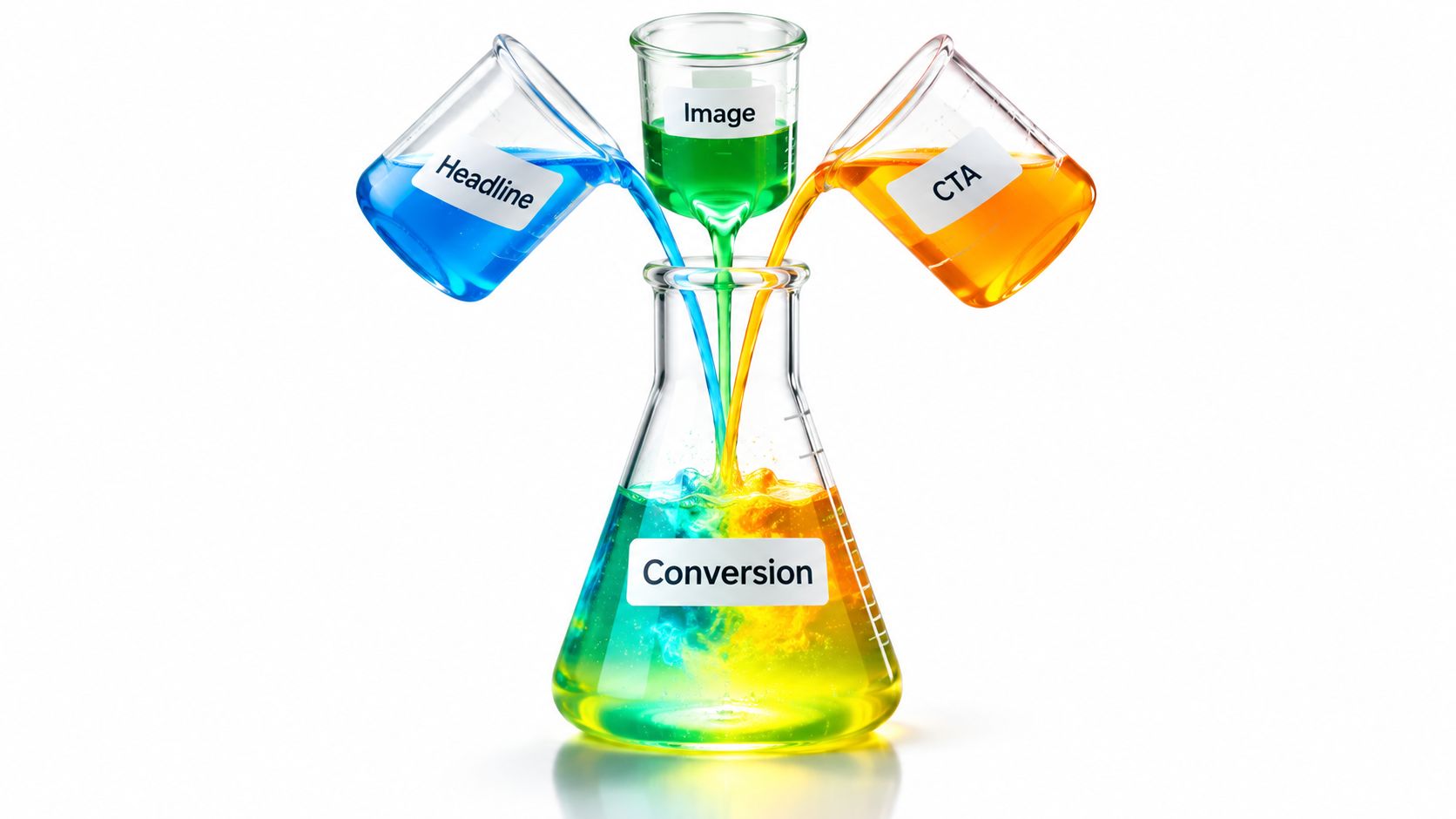
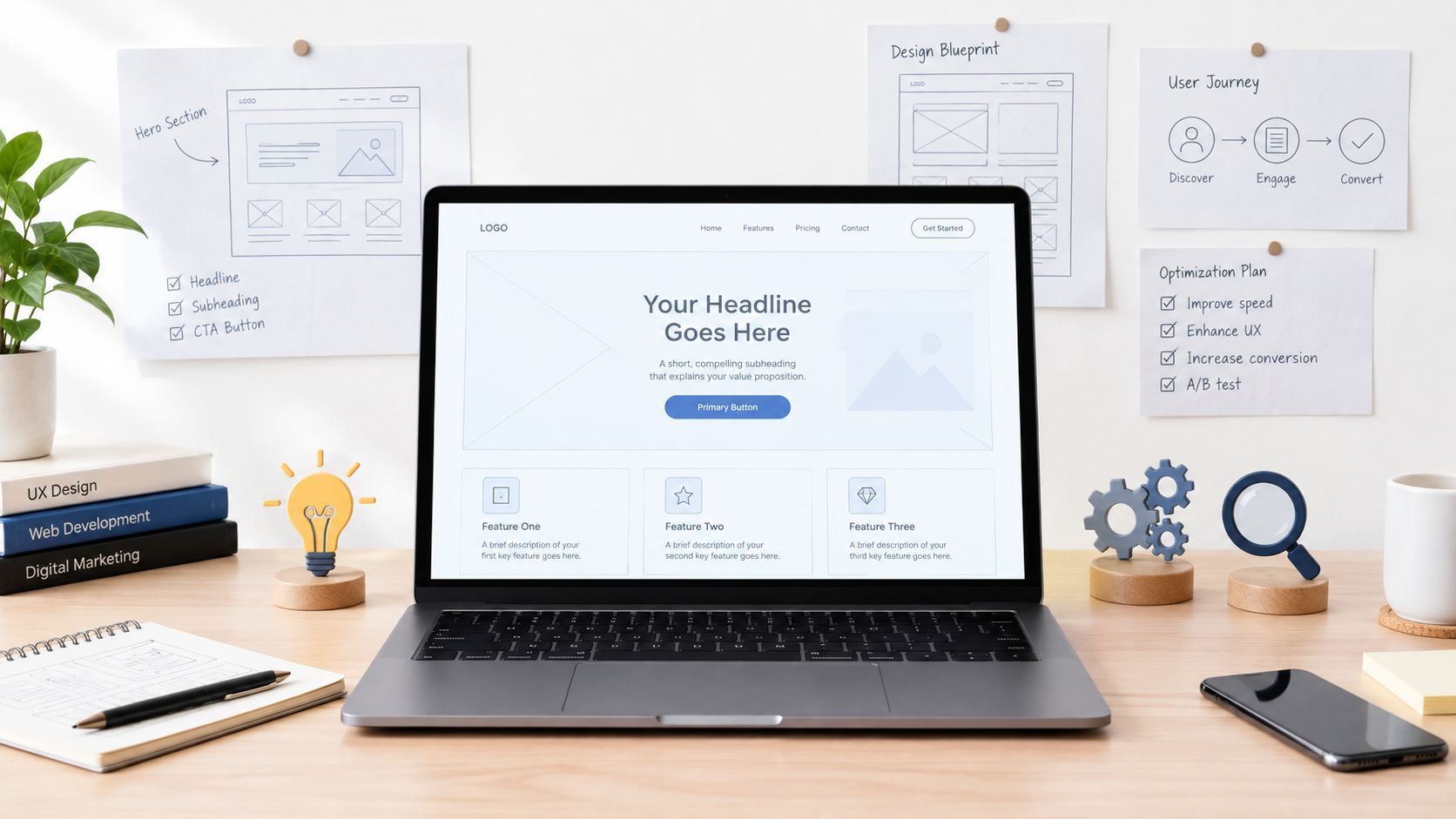
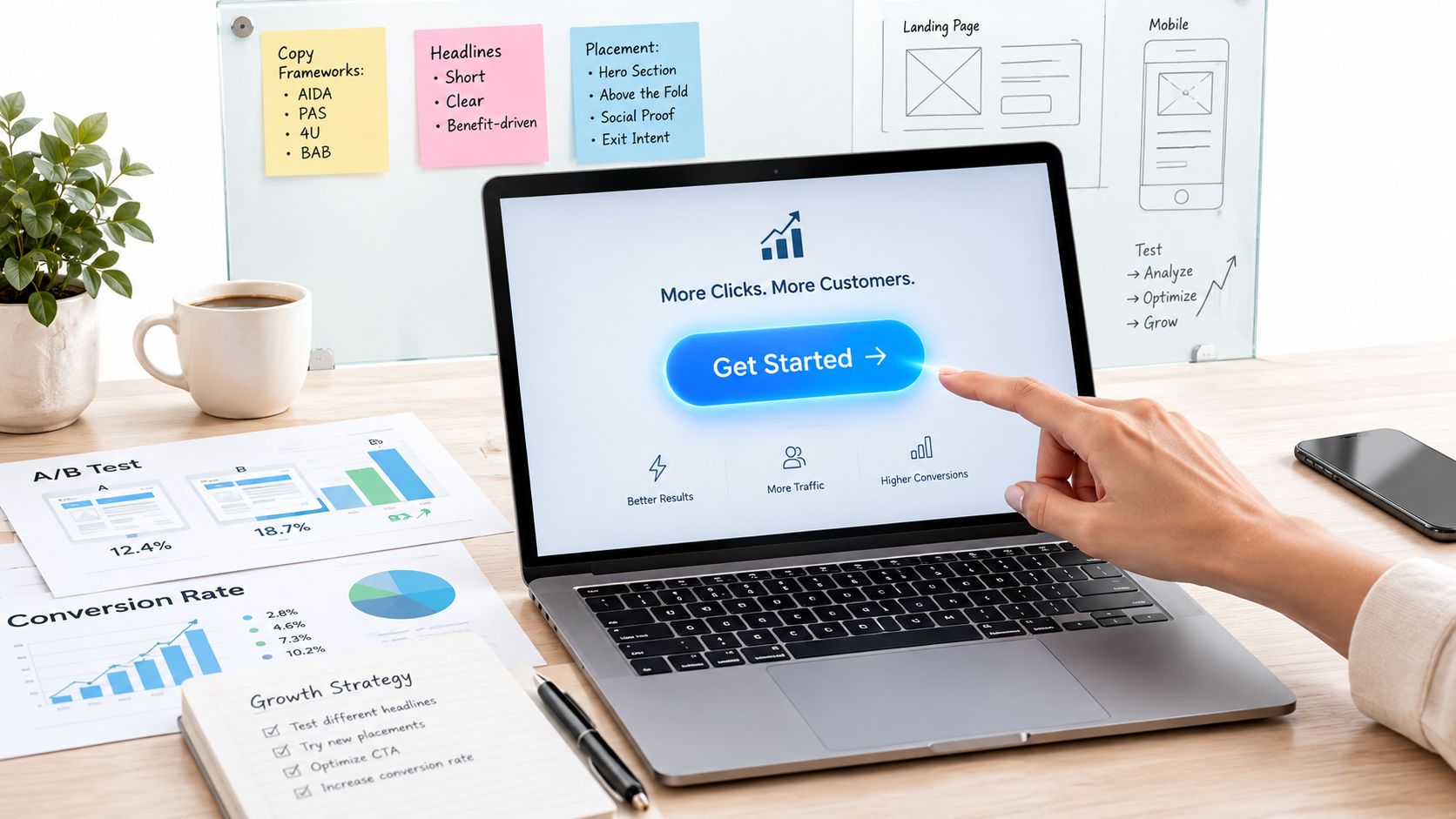
Conversion Optimisation Best Practices: 10 Ideas
Discover 10 conversion optimisation best practices for clearer messaging, stronger testing, better targeting and measurable growth.
Published on 17 min read

Table of contents
- 1. Match Message to Traffic Source (Message Match)
- Audit the promise through to completion
- 2. Lead With a Clear Value Proposition in the Headline
- Test a messaging direction, not a synonym
- 3. Write Specific, Benefit-Led Calls to Action
- Make the button and destination agree
- 4. Reduce Form Fields and Friction
- Remove work without losing necessary qualification
- 5. Build Trust With Social Proof and Risk Reversal
- Build an evidence-to-objection map
- 6. Improve Page Speed and Core Web Vitals
- Connect performance to the funnel
- 7. Design Mobile-First Landing Pages
- Test the complete mobile task
- 8. Run Rigorous A/B and Multivariate Tests
- Define the experiment before launch
- 9. Personalise Experiences by Visitor Context
- Expand only after proving incremental value
- 10. Use Continuous, Adaptive Optimisation Loops
- Separate learning from traffic allocation
- 10 Conversion Optimisation Best Practices: Comparison Guide
- Turn One Test Into a Better Conversion System
- Make the next decision explicit
- Scale execution without surrendering judgement
Visitors can leave before your headline has a chance to persuade them. In Google's historical mobile-speed research, 53% of mobile visitors left pages that took more than three seconds to load, a reminder that conversion problems can start before anyone reads your offer (Google's Mobile Site Speed Playbook).
Conversion optimisation isn't about adding more pop-ups, buttons or bright colours. It's about understanding the visitor, removing unnecessary friction and testing whether a change produces a meaningful business outcome. A clearer headline won't fix a broken form, and more CTA clicks won't help if those visitors never become qualified leads or customers.
Treat conversion optimisation best practices as an operating system, not a collection of tricks. Connect traffic context, message match, page performance, experimentation and downstream measurement so each decision improves the next.
Start with your biggest sources of traffic and the most valuable points of leakage. Choose a clear hypothesis, make a focused change and measure what happens after the click, not just on the page. For another practical perspective, see what Otter A/B recommends, then validate any recommendation against your own visitors.
1. Match Message to Traffic Source (Message Match)
A visitor clicks an ad about invoice automation for agencies and lands on a page about business software. The product might be suitable, but the visitor now has to find the connection you should have made explicit.
Message match means preserving the promise that earned the click. Carry the source's product language, audience and offer into the headline, supporting copy and CTA. Don't insert a search term into a generic sentence; make the page answer the need behind it.

Audit the promise through to completion
For the invoice-automation campaign, a useful hypothesis would be that agency-specific messaging increases qualified trial starts because visitors can recognise their workflow immediately. Keep the offer and signup process unchanged while testing that framing.
- Source promise: Record what the ad, email or post offers.
- Landing-page response: Check whether the headline confirms the same product, audience and benefit.
- Next-step consistency: Make sure the button and destination fulfil that promise.
- Business outcome: Compare completed trials or qualified enquiries by campaign, not just engagement.
Start with campaigns that justify dedicated attention through spend, volume or strategic importance. Building variants for every minor keyword can create maintenance work without enough traffic to evaluate them.
The trade-off is specificity versus coverage. A highly focused page can serve campaign visitors well while confusing unrelated audiences, so define eligibility clearly and retain a dependable default experience.
2. Lead With a Clear Value Proposition in the Headline
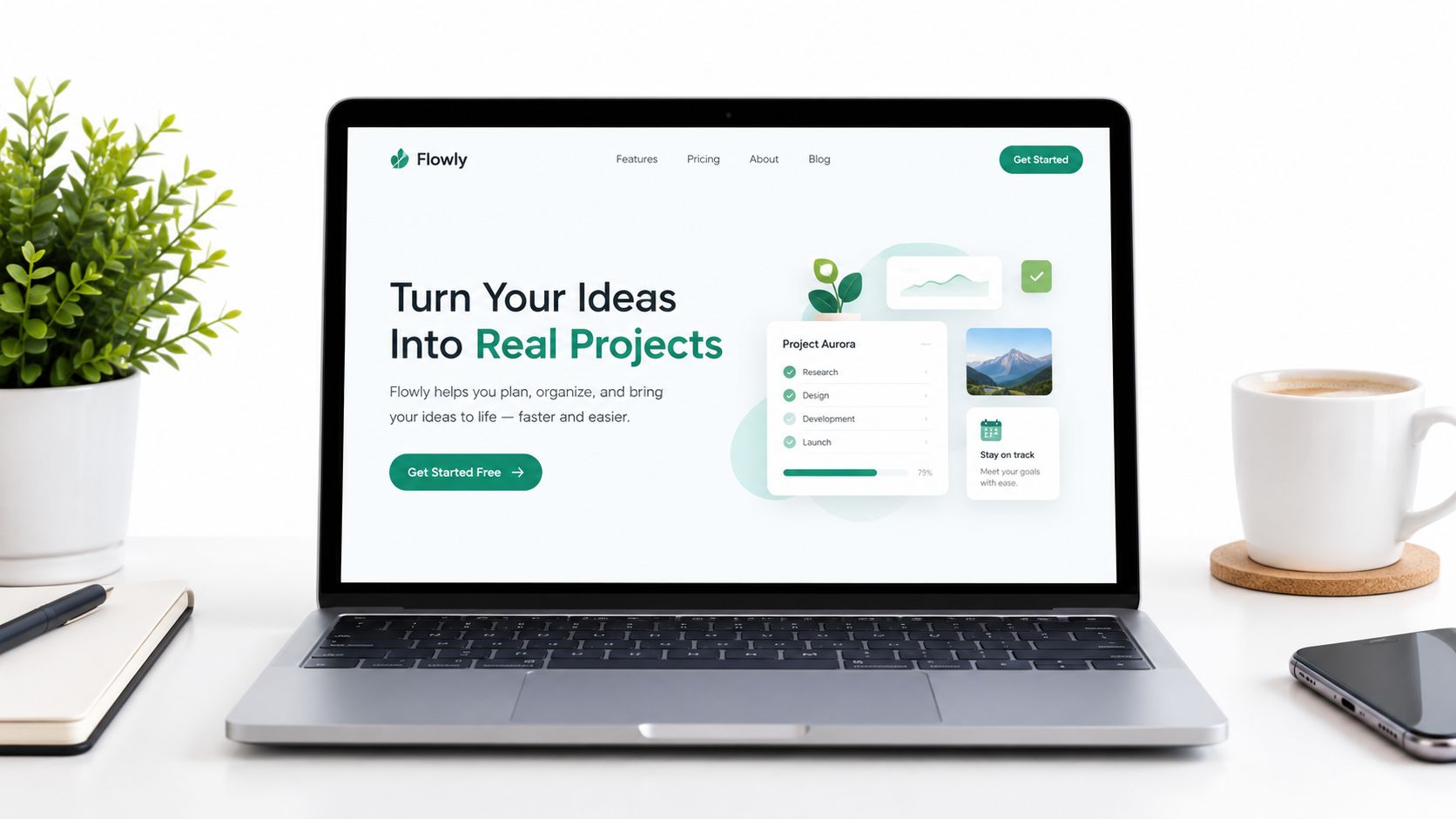
“Manage agency invoices without chasing updates” and “A powerful platform for modern businesses” give visitors very different information. The first identifies a task and an outcome; the second leaves the reader to work out what the product does.
A useful value proposition explains the offer, the audience and the reason to care. Your headline doesn't have to contain everything, but the headline and subheading should work together without requiring visitors to decode internal product terminology.
Use an illustrative invoice-software page to separate the jobs: the headline describes the desired outcome, while the subheading explains how approval tracking and invoice reminders support it. Only include capabilities the product provides.
Practical rule: If someone unfamiliar with your business can't explain what the page offers, improve clarity before testing cleverness.
Test a messaging direction, not a synonym
Compare a concrete outcome-led headline with a concrete feature-led alternative. Experienced buyers may want to see a specific capability, while visitors still exploring the problem may need the benefit explained first.
Use customer reviews, support questions and sales-call language to develop candidates. The landing-page headline examples can help you explore structures, but your audience's vocabulary should determine the final wording.
Keep a record of the hypothesis and result. “Outcome framing attracted more qualified enquiries” is a transferable learning; “headline B won” isn't enough to guide the next campaign.
3. Write Specific, Benefit-Led Calls to Action
“Submit” describes what the interface does. “Request a payroll demo” describes what the visitor gets next.
CTA copy should make the next step predictable. Name the action accurately, explain the value and address any material commitment nearby. If clicking starts a sales conversation, don't make the button sound like instant product access.
For a B2B software page, compare “Contact us” with “Book a workflow demo” when both lead to the same booking process. The hypothesis is that a more explicit invitation attracts visitors who understand the next step, not merely that it generates more clicks.
Make the button and destination agree
- Name the outcome: Use language such as “Explore plans” or “Request a demo” when that's what happens.
- Clarify commitment: Explain payment requirements, scheduling or trial conditions only when those statements are true.
- Establish priority: Give the main action clear visual prominence without hiding useful alternatives.
- Check completion: Follow the click through booking, signup or purchase before judging the variant.
Test wording when the current action is ambiguous. Test contrast, placement or spacing when visitors can't find or comfortably use the button; copy isn't automatically the biggest problem.
The CTA optimisation guide offers a useful starting point for developing alternatives. Resist changing the copy, placement and offer together unless you deliberately want to evaluate the whole package.
A higher click rate can reflect curiosity or misunderstanding. Keep completed actions and lead quality visible so a more persuasive button doesn't disguise a weaker business result.
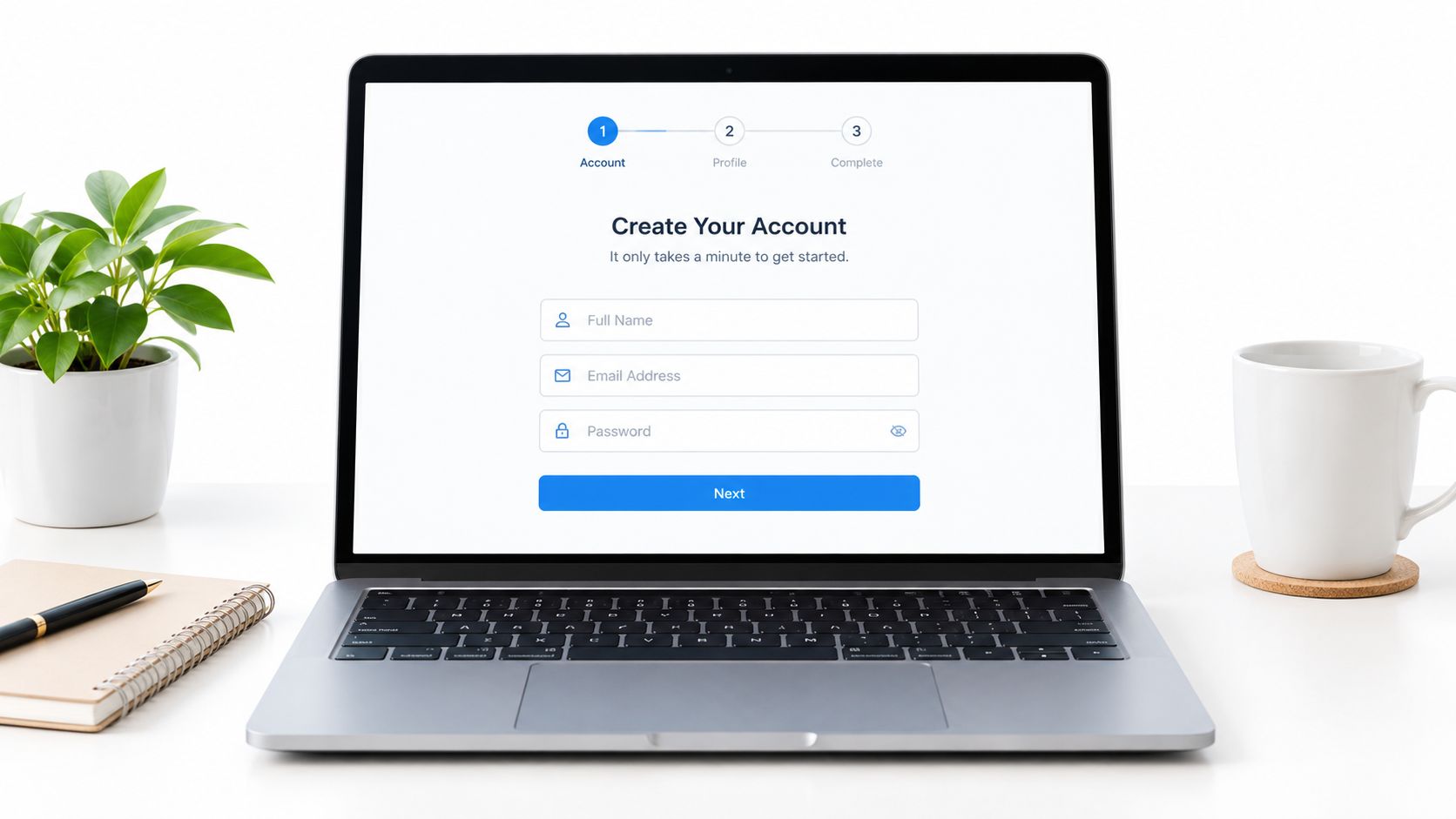
4. Reduce Form Fields and Friction
Baymard reports that 17% of US online shoppers abandoned an order because checkout was too long or complicated. Its research also found an average of 23.48 default form elements in US checkouts, compared with effective flows containing 12–14 elements, so removing unnecessary work deserves serious attention (Baymard's checkout usability research).
Those findings concern checkout, not a guaranteed result for every lead form. Apply the underlying question carefully: what information does the business need at this stage?
A demo-request form might need contact details and a relevant qualification question. Requiring a full postal address before someone can discuss software creates work that may not support the immediate decision.
Remove work without losing necessary qualification
Audit each field against a named operational purpose. If sales needs company size to route an enquiry, retain it or find a less demanding way to collect it; if nobody uses a field, question why it exists.
- Remove unnecessary requirements: Don't force account creation where the transaction doesn't need it.
- Make errors recoverable: Preserve entered information and explain corrections beside the relevant field.
- Stage complex requests: Use clear steps when the process requires substantial information.
- Measure quality: Compare completed forms with accepted leads, activation or completed purchases.
A multi-step form isn't automatically simpler. It can conceal a long process unless you communicate what's required, and shorter forms can shift qualification work onto your team.
Watch where users struggle, not just where they exit. Confusing labels, restrictive validation and missing payment options can matter as much as field count.
5. Build Trust With Social Proof and Risk Reversal
For an operations buyer evaluating invoice software, a relevant account of implementation may answer more questions than a wall of unrelated logos. Choose evidence according to the uncertainty the visitor needs resolved.
Social proof supports credibility; risk reversal clarifies the consequences of saying yes. They serve different purposes, so don't expect a testimonial to explain cancellation terms or a guarantee to establish product suitability.
Place verified proof beside the claim it supports. If your page promises easier setup, use an authorised customer account about setup rather than a generic statement of satisfaction.
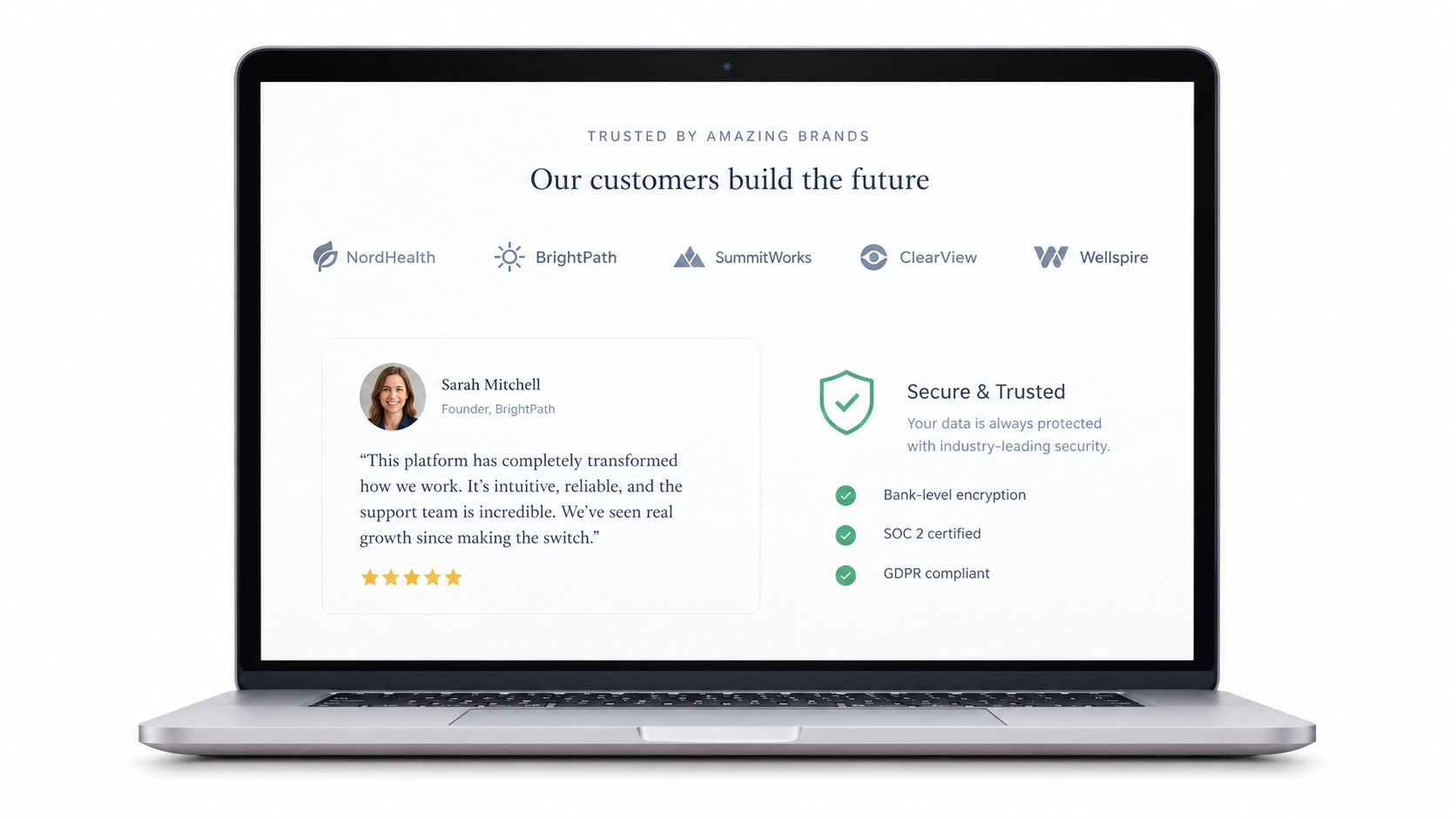
Show evidence for the promise you're making, not just evidence that your business has customers.
Build an evidence-to-objection map
For each important objection, select the material that can address it. Implementation concerns might call for a documented process; purchase concerns might require visible return conditions; credibility concerns might need an attributable review.
- Verify provenance: Obtain permission for quotes and logos, and retain supporting records.
- Match the context: Prefer evidence relevant to the buyer's role or use case.
- Explain the terms: State restrictions on guarantees, trials and cancellation clearly.
- Test the presentation: Evaluate placement and relevance rather than adding proof indefinitely.
More proof also means more page content to scan and maintain. Outdated logos, unverifiable testimonials or vague security badges can introduce doubt instead of resolving it.
Keep claims bounded. A customer's result is evidence of their experience, not permission to promise the same outcome to every visitor.
6. Improve Page Speed and Core Web Vitals
Speed is a conversion variable, not just an engineering score. Google's historical benchmark reported that increasing mobile load time from one second to ten seconds raised bounce probability by 123%, supporting the need to evaluate delivery alongside messaging (Google's mobile page-speed benchmarks).
The problem isn't confined to historical research. The cited summary of the 2025 Web Almanac reports that only 48% of mobile websites passed all Core Web Vitals, so teams shouldn't assume their persuasive copy reaches visitors through a usable experience (Core Web Vitals data study).
Diagnose whether visitors struggle before or after the page becomes usable. For a paid campaign with a slow hero image, a performance treatment may be more informative than another headline experiment.
Connect performance to the funnel
Measure Largest Contentful Paint, Interaction to Next Paint and Cumulative Layout Shift alongside conversion events. Compare device, network, campaign and page-template contexts rather than relying on a desktop lab score.
- Reduce delivery weight: Compress images, size them appropriately and remove unnecessary scripts.
- Protect the main content: Prioritise the resources required to display and use the landing page.
- Budget third-party costs: Review analytics, chat and targeting scripts before adding more.
- Control experiment conditions: Check that variants have comparable loading and interaction behaviour.
Personalisation can add rendering work or visible flicker. Where supported, evaluate server-side or edge delivery, but verify the actual experience rather than assuming an implementation label guarantees speed.
Don't prescribe a universal order of operations. Fix performance first when it blocks access; test messaging first when the page is usable and the offer remains unclear.
7. Design Mobile-First Landing Pages
A desktop form can look tidy while becoming awkward on a phone. The keyboard may cover the button, validation may push instructions out of view, and a floating chat widget may obstruct the next step.
Mobile-first design means prioritising the decision on a small screen, not merely shrinking the desktop layout. Visitors still need the promise, enough evidence to assess it and a usable route to completion.
For an illustrative product page, test whether customers can select an option, understand delivery conditions and add the item to their basket without overlays competing for space. A sticky purchase bar is a candidate treatment, not an automatic improvement.
Test the complete mobile task
- Use real devices: Check scrolling, keyboards, orientation changes and slower connections.
- Keep controls usable: Give buttons and form inputs adequate space and clear labels.
- Support input: Use suitable keyboard types and autofill attributes where appropriate.
- Inspect overlays: Check that consent notices, chat and sticky elements don't obscure content.
- Follow the destination: Include checkout, booking and confirmation in quality assurance.
Review mobile outcomes separately from desktop, while keeping the business definition of success consistent. A device-specific interface change shouldn't become an excuse to judge mobile only on easier intermediate actions.
This embedded video provides supplementary viewing alongside hands-on device checks.
The trade-off is space. Removing detail can make a page easier to scan but harder to trust, so preserve important information through clear hierarchy rather than hiding everything below the primary button.
8. Run Rigorous A/B and Multivariate Tests
An experiment needs a decision rule before it needs a variant. Write down who is eligible, what changes, what success means and when you'll evaluate the result.
A/B testing compares randomly assigned experiences; multivariate testing evaluates combinations of changes. Choose the method according to the question and available traffic, not because a platform makes it easy to launch more variants.
For a demo page, a useful hypothesis is that adding a concrete implementation explanation increases qualified bookings because buyers currently hesitate over setup work. Keep booking availability and the underlying offer consistent across groups.
Define the experiment before launch
- Primary metric: Choose the completed action that will determine the decision.
- Guardrails: Monitor lead quality, revenue, refunds or other relevant adverse outcomes.
- Sample and stopping plan: Establish the required evidence using your chosen statistical method.
- Assignment checks: Verify randomisation, stable experiences and accurate event tracking.
- Decision log: Record the treatment, result, uncertainty and next action.
The landing-page split-test guide can support implementation planning. If traffic is insufficient for a complicated design, simplify the question rather than pretending a small sample provides a definitive answer.
Decision discipline: A promising early result isn't permission to stop a fixed-horizon test before its planned evaluation.
Sequential testing can support different stopping rules, but those rules must be part of the method from the start. Don't switch approaches after seeing a favourable result.
If you test a complete redesign, you may learn which page performs better without learning which element caused the difference. That's acceptable when the decision concerns the whole experience, provided you document the limitation.
9. Personalise Experiences by Visitor Context
A visitor arriving from an invoice-automation campaign may need workflow detail. Someone returning from a pricing discussion may need clearer plan information rather than another introductory pitch.
Personalisation should solve a relevant difference in visitor needs, not demonstrate how many segments your technology can create. Start with context you can explain and measure, such as campaign intent or new-versus-returning status.
The supplied evidence summary reports that only about 12% of experiments win on their primary metric, across more than 127,000 experiments. That's a reason to demand evidence for each variant, not assume every variation adds value (CRO experiment evidence summary).
Expand only after proving incremental value
Begin with broad, high-volume groups and a strong universal page. Compare the personalised experience against a persistent control so you can distinguish the value of tailoring from general improvements to the page.
- Choose meaningful context: Use signals connected to the visitor's likely task.
- Preserve the promise: Adapt framing and relevant proof without changing factual commitments.
- Protect privacy: Use necessary, appropriately consented data and document its purpose.
- Check durability: Review outcomes across time and traffic sources before expanding.
For the invoice campaign, test agency-focused language without also changing pricing or trial eligibility. Otherwise, you won't know whether relevance or a different offer explains the result.
Narrow combinations of country, device and campaign can leave too little evidence to judge performance reliably. Automated variant creation doesn't remove that constraint.
Retire segments that don't justify their complexity. A clear universal page is preferable to an elaborate targeting system whose incremental benefit you can't establish.
10. Use Continuous, Adaptive Optimisation Loops
A fixed experiment answers a defined question. A continuous optimisation programme uses that answer to choose the next question, maintain successful changes and notice when conditions change.
Continuous learning doesn't require continuous uncontrolled publishing. Keep deliberate experiments, production monitoring and automated adaptation distinguishable so your team knows what each result can support.
For an invoice-software landing page, a campaign-specific headline might perform well during acquisition testing. When the campaign changes, review whether the wording still matches visitor intent instead of treating the old result as permanent.
Separate learning from traffic allocation
Adaptive methods can direct more traffic towards promising variants while continuing to explore alternatives. Fixed allocation is often easier to interpret for a clearly bounded causal decision, while adaptive allocation requires analysis appropriate to its changing exposure.
- Use controlled tests deliberately: Reserve clear experimental designs for consequential decisions such as pricing or navigation.
- Bound automation: Specify permitted tone, verified claims and elements that must remain unchanged.
- Retain comparison: Keep an appropriate control when measuring incremental value.
- Monitor drift: Check changes in acquisition mix, conversion quality and page performance.
- Store the learning: Document why a treatment worked and where that conclusion applies.
A system optimising CTA clicks can favour wording that attracts unsuitable enquiries. Give it the right outcome and guardrails before increasing its freedom.
Avoid calling a variant universally best when it has received different traffic or exposure from its alternatives. Dynamic allocation changes how results should be interpreted.
The useful loop is observe, hypothesise, test, evaluate and update. Automation can accelerate execution, but people still need to decide which problems deserve attention and which conclusions are credible.
10 Conversion Optimisation Best Practices: Comparison Guide
Use this comparison to choose which practice fits the current bottleneck, then connect the change to a clear outcome. The practices work together: message match and value proposition establish relevance, while reduced friction, trust and strong delivery help visitors act. Testing and context-based personalisation help teams learn which experience works for whom.
| CRO Practice | Implementation Complexity | Resource Requirements | Expected Outcome | Ideal Use Case | Key Advantage |
|---|---|---|---|---|---|
| Match Message to Traffic Source | Medium; requires aligned copy or dynamic variants | Campaign data, copywriting, optional automation | Lower bounce and potentially higher conversions | Campaigns with distinct ads, keywords, or offers | Confirms visitors arrived at the right page |
| Lead With a Clear Value Proposition | Low; headline and subheading updates | Customer research and copywriting | Faster understanding and stronger engagement | Pages where visitors need to quickly grasp the offer | Clarifies who the product serves and why it matters |
| Write Specific, Benefit-Led Calls to Action | Low; update CTA wording, placement, or micro-copy | Copywriting and basic testing tools | Less hesitation and more CTA clicks | Pages with an unclear or generic next step | Makes the intended action and benefit explicit |
| Reduce Form Fields and Friction | Low to medium; depends on form complexity | Form editing, analytics, possible engineering | Higher completion, potentially less lead qualification data | Sign-up, quote, lead-generation, and checkout forms | Reduces effort at the point of conversion |
| Build Trust With Social Proof and Risk Reversal | Low to medium; requires credible, current proof | Customer permissions, reviews, and design updates | Lower perceived risk and stronger confidence | Unfamiliar brands or high-consideration purchases | Supports claims with relevant evidence |
| Improve Page Speed and Core Web Vitals | Medium to high; may require technical changes | Engineering time and performance monitoring | Faster loading and smoother interactions | Slow pages, mobile traffic, and script-heavy experiences | Improves usability while providing measurable benchmarks |
| Design Mobile-First Landing Pages | Medium; requires responsive design and device QA | Design, development, and real-device testing | Better mobile usability and fewer interaction errors | Pages with substantial mobile traffic | Prioritises the experience for small screens |
| Run Rigorous A/B and Multivariate Tests | Medium to high; requires disciplined experiment setup | Sufficient traffic, analytics, and testing tools | Reliable evidence about changes, when adequately powered | Decisions with measurable outcomes and enough traffic | Replaces assumptions with controlled comparisons |
| Personalise Experiences by Visitor Context | Medium to high; requires segmentation and governance | Visitor data, personalisation tools, privacy review | More relevant experiences; impact depends on segment quality | High-value traffic segments or varied campaign sources | Scales relevant messaging across visitor groups |
| Use Continuous, Adaptive Optimisation Loops | High; requires automated allocation and monitoring | Ongoing traffic, variant generation, and analytics | Shifts traffic toward stronger performers while continuing exploration | Frequent traffic or messaging changes | Reduces exposure to weaker variants during optimisation |
Treat the table as a prioritisation aid, not a fixed sequence. A campaign with mismatched ad and landing-page language calls for message alignment before a multivariate test. If visitors understand the offer but abandon a long form, reducing fields may be the more direct intervention. The right choice depends on where the journey loses qualified visitors and what the team can measure reliably.
Keep the practices connected when implementing changes. A more specific headline can improve message match, but its impact may depend on whether the CTA makes the next step clear. Personalised variants can make the page more relevant, while segmentation quality, privacy requirements and consistent measurement constrain how far that personalisation should go. Automation can help teams create and manage variants at scale, but brand rules and outcome tracking still need human oversight.
For each proposed change, name the friction or relevance problem it addresses, the audience affected and the outcome to monitor. That keeps optimisation focused on improving the visitor journey rather than accumulating disconnected page tweaks.
Turn One Test Into a Better Conversion System
The most effective conversion optimisation programme improves the whole path from traffic source to business outcome. It connects the promise that earns attention with the experience that delivers it, then uses controlled evidence to decide what should change.
Start your next cycle with a specific leak. Choose a valuable campaign or funnel stage, inspect the behaviour around drop-off and identify whether the likely problem is relevance, usability, trust or delivery performance.
Make the next decision explicit
Write the hypothesis before producing variants. State which audience is affected, what you'll change, why it should help and which completed action will determine success.
- Establish the baseline: Confirm event tracking, visitor eligibility and downstream outcome data.
- Choose a focused treatment: Make the change substantial enough to test the proposed explanation.
- Set the safeguards: Define quality, performance, privacy and brand constraints.
- Evaluate rigorously: Separate a supported improvement from an inconclusive or negative result.
- Record the implication: Explain what the result changes about your next decision.
If the test doesn't produce a clear answer, don't turn uncertainty into a success story. Review whether the hypothesis was plausible, the implementation was sound and the experiment had enough evidence to resolve the question.
Scale execution without surrendering judgement
Automation is most useful when the team has already defined the conversion goal and the boundaries of acceptable messaging. It can help produce and deliver relevant variants, but it can't make an unsupported product claim true or decide what lead quality means for your business.
Polish is a relevant option for teams that want to automate landing-page copy variation. Through an installed script, it reads the page, creates headline, subheading and CTA alternatives, and selects experiences using visitor context such as acquisition source, campaign, device and returning status.
Your team should still verify measurement, review generated claims and assess whether the added personalisation delivers incremental value. Keep strategy, privacy and brand standards under clear ownership, and test the live experience for performance and consistency.
The objective isn't to accumulate winning variants. It's to build a dependable decision process. When every change has a hypothesis, a measurement plan and a documented result, your conversion work becomes easier to prioritise and more useful across marketing, sales and product.
Polish creates and adapts landing-page headlines, subheadings and CTAs using visitor context and conversion behaviour. Visit Polish to explore automating relevant messaging variants, then define your conversion event, control experience and brand safeguards before putting the approach into practice.
- conversion optimisation best practices
- conversion rate optimisation
- CRO strategies
- landing page optimisation
- A/B testing
Your website rewrites itself until it converts.
Polish writes new versions of your headlines and CTAs, tests them on your real visitors and keeps the ones that win.
Start free