Web Site Optimizers: 10 Tools for A/B Testing and CRO
Compare 10 web site optimizers for A/B testing, personalization and CRO, with use cases, limits and pricing notes to help you pick the right one.
Published on 19 min read

Table of contents
- 1. Optimizely Web Experimentation
- Where it earns its place
- 2. VWO
- The useful middle ground
- 3. AB Tasty
- When one platform is better than two
- 4. Convert Experiences
- A good fit for independent programs
- 5. Kameleoon
- The deployment decision matters
- 6. Adobe Target
- Strong ecosystem, steep operating curve
- 7. Dynamic Yield
- Useful when merchandising drives the roadmap
- 8. Intellimize
- Speed still needs measurement discipline
- 9. Mutiny
- Personalization needs identifiable audiences
- 10. Polish
- Where autonomous optimization helps
- Top 10 Website Optimizers Comparison
- Building Your Shortlist Around Traffic and Team Size
- Protect the measurement layer
A team runs a few A/B tests, but the results are muddy. One test has a small apparent lift that disappears after a closer look. Another shows no clear winner. Developers are waiting on implementation, analytics isn't sure which conversion event matters, and the page itself loads slowly enough to complicate the read.
At that point, the problem may not be the ideas. It may be the web site optimizer behind them and the traffic setup feeding it. Tools differ in how they run classic A/B tests, personalize experiences for individual visitors, and automate decisions. They also differ in how much work they demand from marketers, developers, analysts, and legal teams.
A good landing page still needs a clear offer, focused copy, and a usable path to action. Wojo Media's practical landing page creation guide is useful for that foundation. The optimizer comes after. It determines how confidently you can test the page, how quickly you can act on evidence, and whether the winning version works for the business rather than only for one short-term metric.
1. Optimizely Web Experimentation
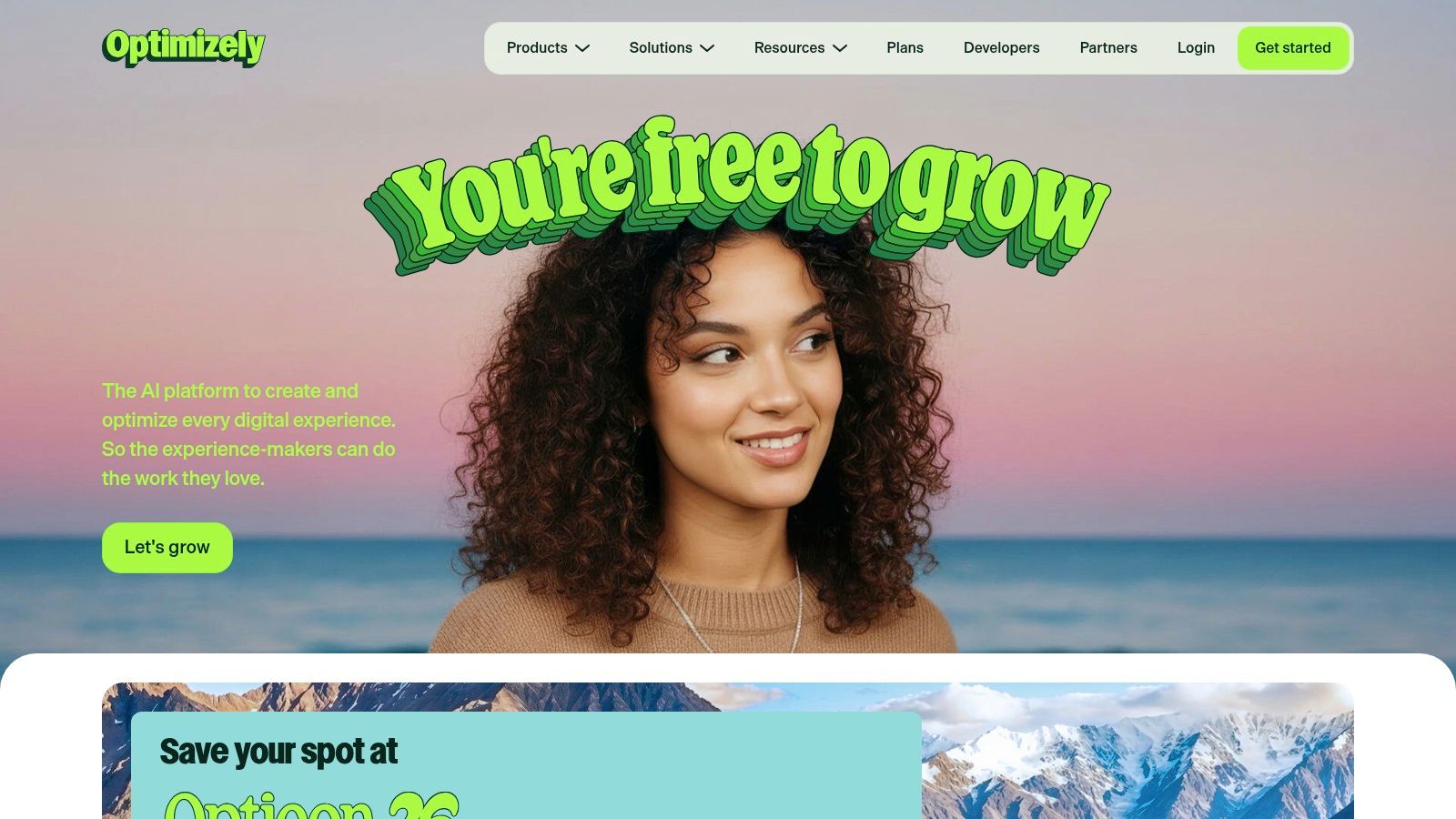
Optimizely Web Experimentation is a strong choice when experimentation has become a formal operating process rather than an occasional marketing task. Its visual editor supports marketer-led changes, while teams can also build more technical tests across pages and journeys. Audience targeting, scheduling, workflow controls, and support for A/B, multivariate, and multipage tests give larger organizations room to establish a repeatable program.
The platform is delivered through a JavaScript implementation, so the installation itself may be straightforward, but the quality of the implementation still matters. Teams need to manage flicker, event tracking, consent, page performance, and conflicts with other scripts. Optimizely offers a Performance Edge option intended to improve delivery, but it doesn't remove the need for a careful technical review.
Where it earns its place
The main advantage is governance. Multiple teams can work within a structured process with approvals, documentation, targeting rules, and reporting. Its partner ecosystem and broad integrations also help companies connect testing to analytics, customer data, and other parts of the digital experience stack. The documentation and enablement resources are useful when a company wants to scale beyond isolated tests.
Practical rule: Choose Optimizely when you need a durable experimentation program, not simply a visual editor for changing button copy.
The trade-off is cost and operational weight. Pricing is quote-based and can become premium as usage and organizational complexity grow. Smaller teams may use only a fraction of the platform while still carrying implementation and governance overhead. Before switching from another enterprise tool, compare the full workflow in this Optimizely and VWO comparison.
Best for: Enterprise growth teams with dedicated developers, analysts, and experimentation owners.
Skip it if: You need a lightweight tool for a small site and won't run enough experiments to justify formal governance.
Optimizely Web Experimentation
2. VWO
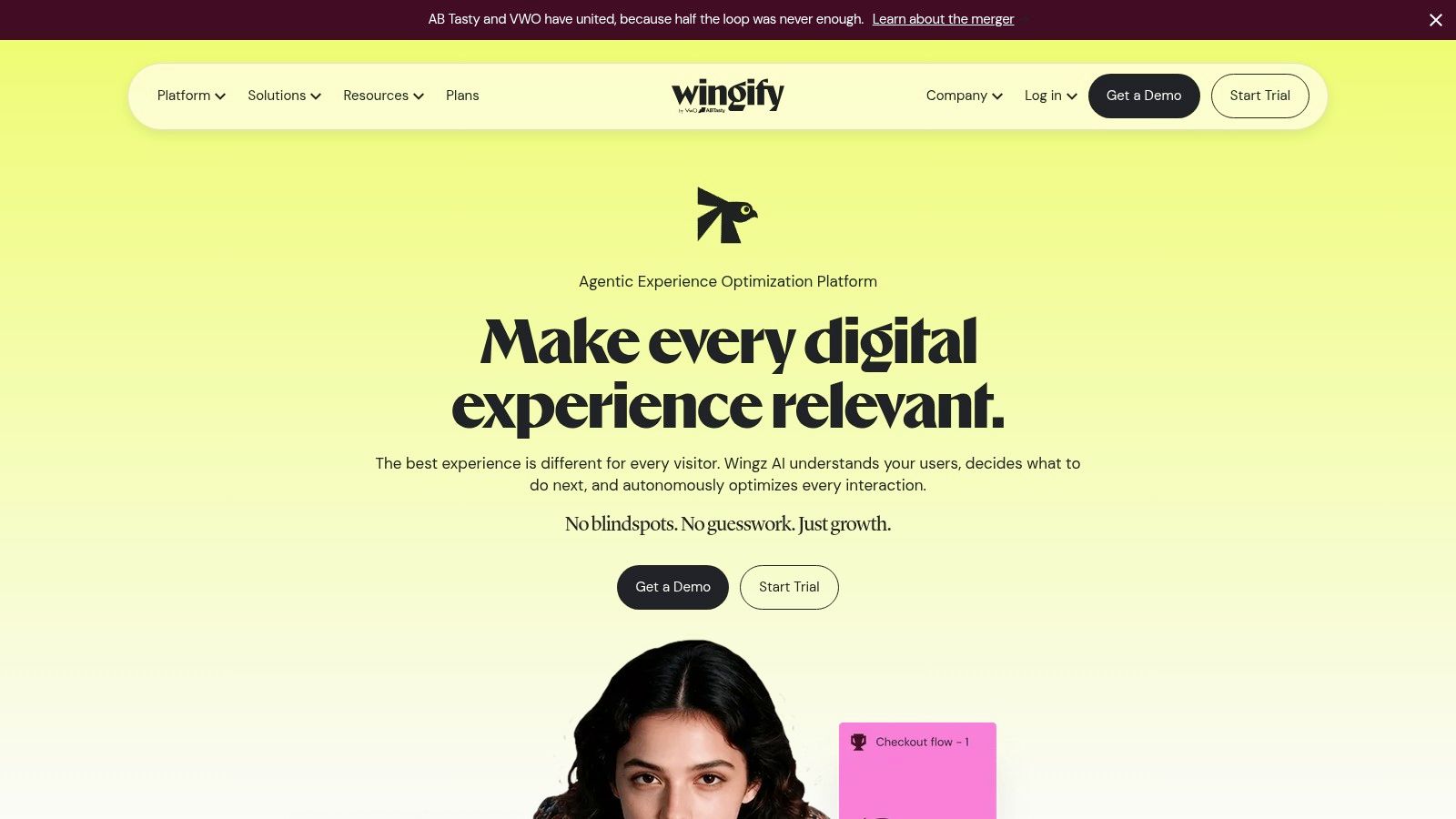
A common VWO buyer is a team that has outgrown simple page tests but is not ready to assemble a custom experimentation stack. They need to run classic A/B tests on landing pages, add targeted experiences for specific visitors, and keep an eye on what changed without stitching together several tools first. VWO fits that job well.
Its strongest use case is the middle of the market. Marketers get visual and code editors for A/B, split URL, multivariate, and bandit tests. Developers can support server side or full stack work when the change touches application logic or the front end is too limiting. That mix matters on real sites, because the right setup depends on what is being tested, not on which editor looks easier in a demo.
The product also does a good job of helping teams avoid avoidable mistakes. Guardrail metrics help catch a test that lifts one goal while hurting another. Sample ratio mismatch checks help flag traffic allocation problems before a team starts treating a flawed result as a win.
The useful middle ground
VWO is most useful for teams that want one system for testing, basic personalization, and diagnostics, but do not want the heavier process that often comes with enterprise experimentation programs. Targeting, triggers, scheduling, and QA controls make day to day testing easier to manage. Upper tiers add broader data options and self hosting for companies with tighter technical or governance requirements.
There are trade offs. Pricing is usually sales led, so comparison shopping takes more work than it should. Advanced setups still need engineering time. And while VWO supports personalization, teams looking for deep per visitor decisioning or autonomous optimization may find it less specialized than tools built around those jobs alone.
Best for: Growth teams that run regular website experiments and want testing, personalization, and analysis in one place.
Skip it if: You only need occasional page tests, or you need a platform built mainly for high depth personalization or autonomous optimization.
3. AB Tasty
AB Tasty is built for companies that don't want CRO and feature rollout to live in separate systems. It combines client-side and server-side experimentation, visual editing, widgets, feature flags, and product experimentation. That makes it relevant to both marketing teams changing a landing page and product teams releasing a new experience.
The strongest use case is coordination. A team can test a promotional block on the website, manage a feature rollout, and keep governance across multiple properties from one console. Support for web and mobile workflows also helps organizations avoid creating separate processes for every surface.
When one platform is better than two
The all-in-one approach can reduce tool sprawl. It may also make handoffs clearer because marketing, product, and engineering can discuss experiments in the same environment. For companies already dealing with several properties, centralized governance is more valuable than another isolated visual editor.
The limitation is that the platform's breadth doesn't eliminate implementation work. Advanced feature experiments and server-side setups need developers. Pricing is sales-led, with limited public transparency, so teams should ask for a detailed breakdown of included capabilities rather than evaluating the product from its feature list alone.
Read this practical guide to conversion rate optimization tools before deciding whether you need a unified suite or a narrower testing product.
Best for: Marketing and product teams that want experimentation and feature management together.
Skip it if: Your organization has no shared ownership between marketing and product, or you only need basic page changes.
A useful evaluation test is simple. Ask whether the same people will use the feature flagging and product experimentation functions. If not, AB Tasty may still work well for web testing, but its broader promise won't necessarily justify the added platform scope.
AB Tasty
4. Convert Experiences
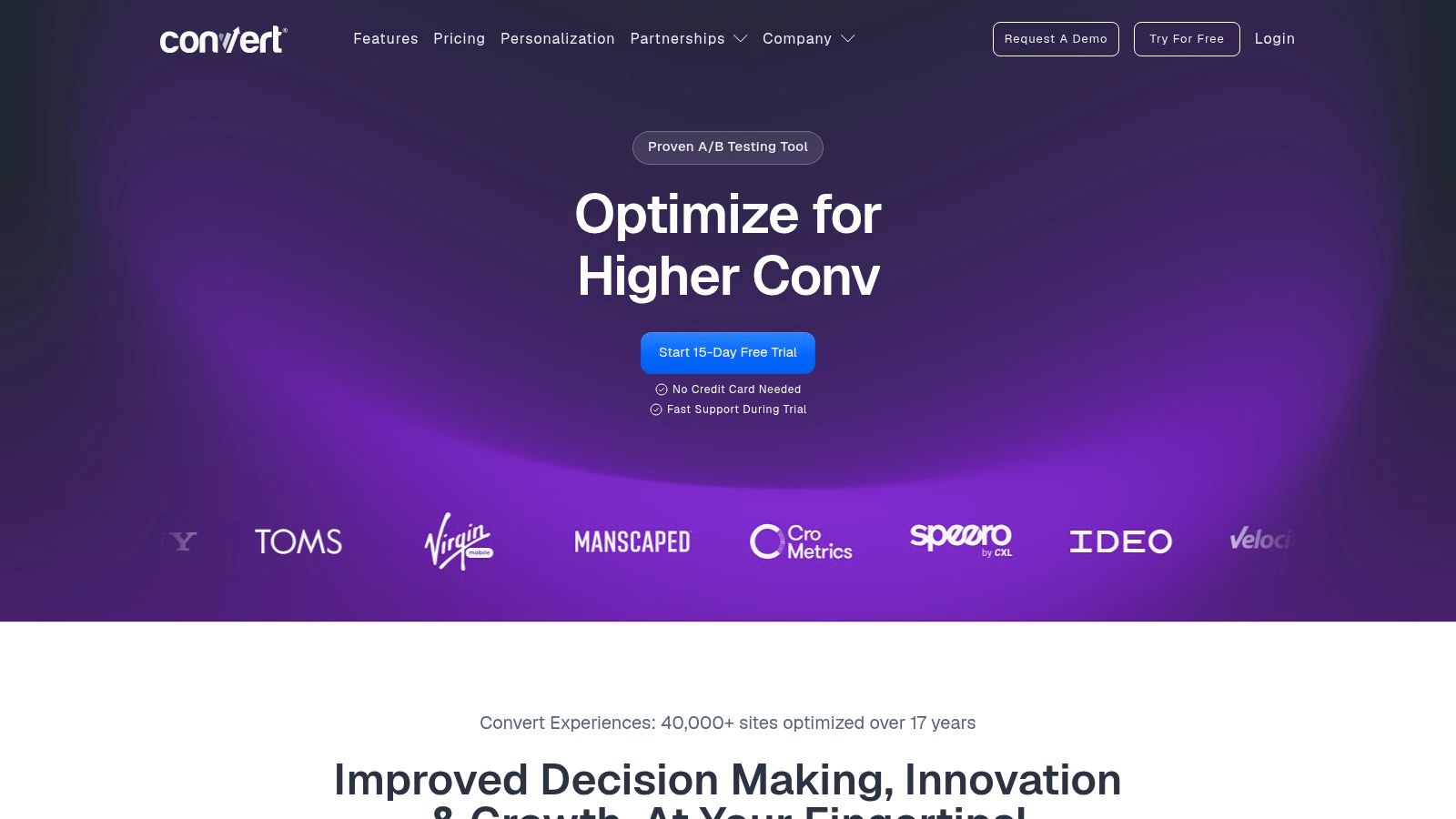
A small CRO team usually needs one thing first. Clean, dependable tests that can go live without dragging in a wider platform the team will barely use. Convert Experiences fits that job well. It covers classic experimentation, including A/B, split URL, multivariate, and multipage tests, with both visual and code-based editing. For teams running a disciplined testing program on a real site, that narrower scope is often a strength.
Its value shows up in the mechanics. Privacy-focused controls, consent-aware bucketing, and CNAME support give teams more say over how experiments are delivered and how visitor assignment is handled. That matters when legal review, analytics consistency, or ad-blocking concerns affect rollout. Convert also tries to reduce flicker, which helps on client-side tests, but teams still need to check page speed and rendering impact on live pages.
A good fit for independent programs
Convert makes the most sense for agencies, in-house CRO specialists, and ecommerce teams that want to run solid web tests without paying for a broader personalization or digital experience stack. Native heatmaps and session recordings help with diagnosis, especially when a test loses and the team needs to understand why. The integration library is useful too. It gives smaller programs enough ways to pass data into the tools they already use, without forcing a full platform migration.
There is a trade-off. Convert is not built for teams that want one system for recommendations, feature delivery, audience orchestration, and cross-channel activation. That keeps the product focused, but it also means some organizations will outgrow it. Enterprise data segregation is available as an add-on, so teams with strict separation or governance needs should confirm that setup early.
A fast test is only useful when the page, assignment logic, and conversion event are trustworthy.
Best for: Agencies and focused CRO teams that value transparent pricing, support, and testing depth.
Skip it if: You need a broad enterprise suite with recommendations, feature management, and extensive cross-channel activation.
The platform's own A/B testing statistics resource is useful background when setting expectations for test confidence. Confidence alone should never replace business judgment or sound sample quality.
5. Kameleoon
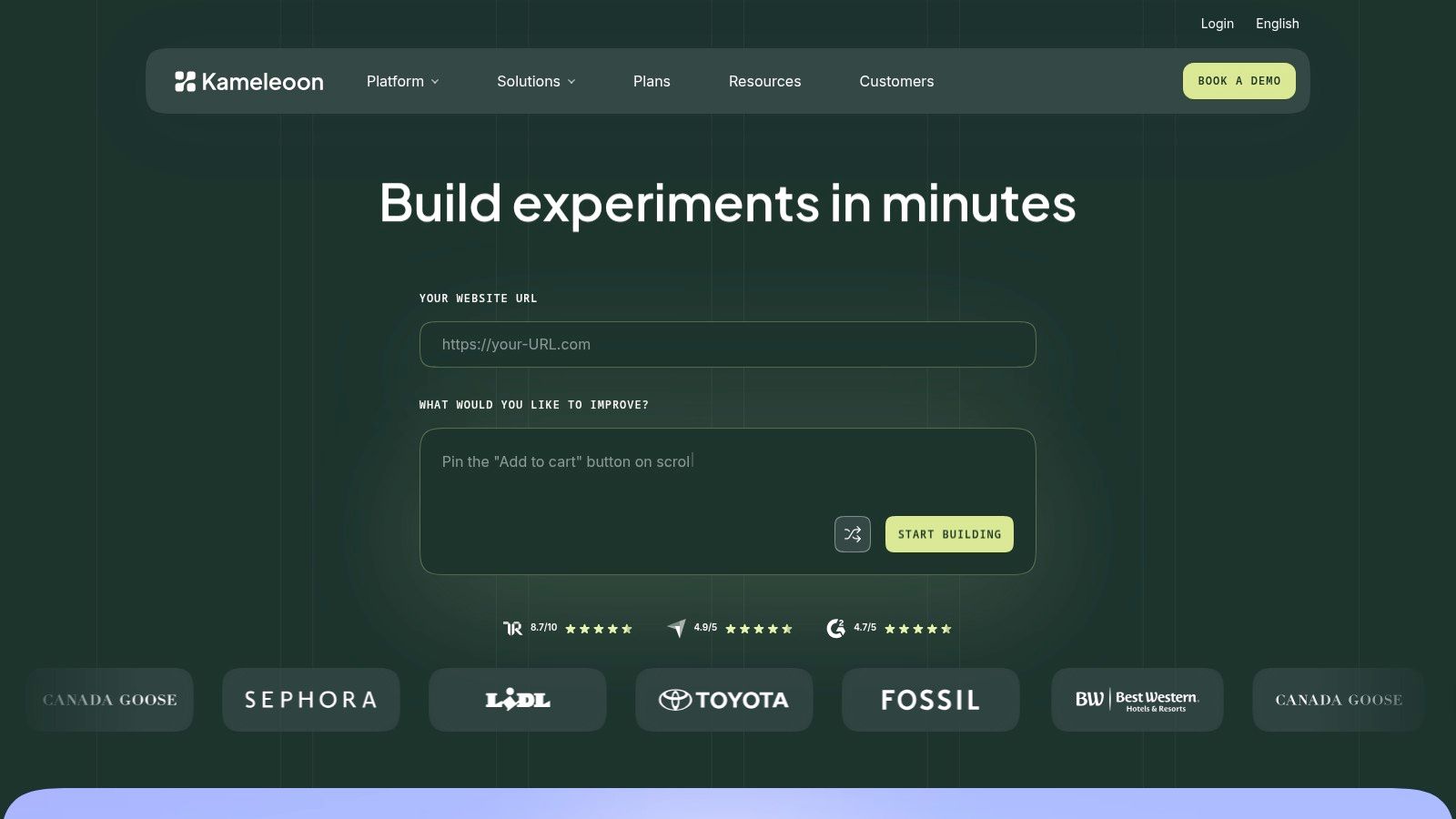
Kameleoon suits organizations that want experimentation and personalization across the client side, server side, and feature layer. It also offers self-hosting options, which can matter when teams need tighter control over privacy, delivery, or infrastructure. That flexibility gives the platform a different profile from tools designed only for marketer-led browser changes.
Its AI-assisted features help with experiment generation and setup. Prompt-based creation and a Chrome extension can shorten the distance between an idea and a working variant. Retail and e-commerce accelerators, including Shopify-specific offerings, make the product especially relevant when product discovery, merchandising, and promotional journeys drive the CRO roadmap.
The deployment decision matters
Self-hosting can improve control, but it shifts responsibility toward the customer. Your team still needs to understand release management, observability, consent, performance, and rollback procedures. A flexible deployment model isn't automatically simpler. It works best when engineering has a clear reason to own more of the delivery layer.
AI assistance also changes the workflow. Teams need review standards for generated copy, targeting logic, and experiment hypotheses. The feature can help remove blank-page friction, but it won't decide whether a test measures qualified demand, product activation, or a low-value click unless the team defines those outcomes.
Best for: E-commerce organizations and privacy-conscious teams with technical support.
Skip it if: You want a fully self-explanatory tool with no training or process changes.
Pricing is sales-led and public plan detail is limited. Ask for a demonstration using your own page types and traffic contexts. Generic demos can make AI creation look easier than it feels inside a complex production stack.
6. Adobe Target
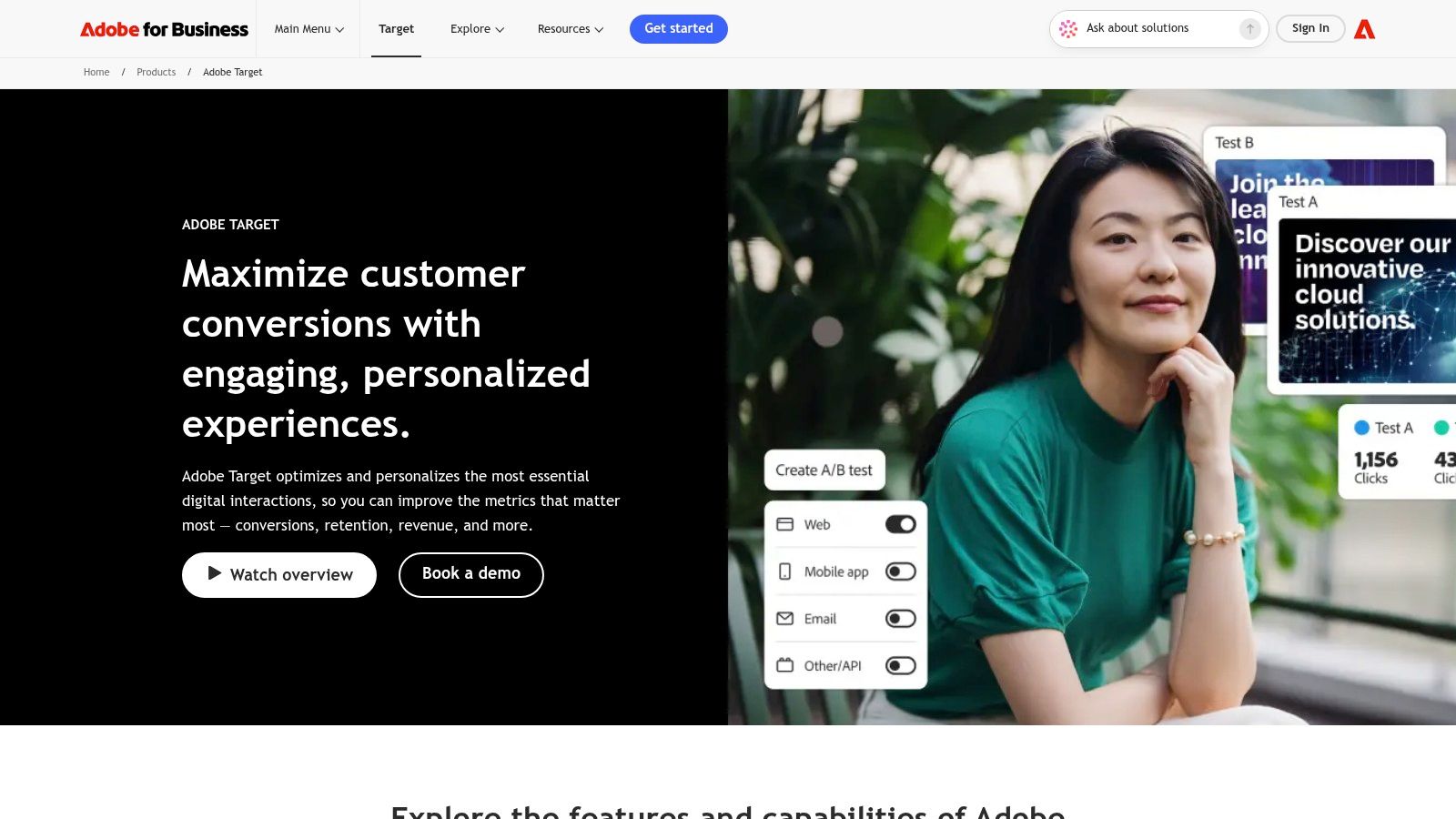
Adobe Target is most valuable when Adobe already runs the customer data and analytics environment. It connects testing and personalization with Adobe Analytics and Experience Platform, allowing enterprise teams to activate richer audience information rather than relying only on page-level rules.
The tool supports A/B and multivariate testing, rule-based targeting, automated personalization, and product recommendations. That makes it more than a landing-page test editor. Retail and content organizations can use it to coordinate recommendations and audience experiences alongside standard experimentation.
Strong ecosystem, steep operating curve
Adobe's integration depth is its greatest strength and its main constraint. Teams that already understand Adobe's data model can build complex experiences with fewer disconnected systems. Teams without that background may face a long implementation and enablement path before marketers can work independently.
A one-line library implementation doesn't mean the program is one-line simple. Analytics mappings, audience definitions, approvals, identity rules, and reporting still need ownership. Pricing is quote-based, and the historical Standard or Premium packaging means buyers should clarify which capabilities are included in their proposal.
Best for: Large organizations already invested in Adobe Experience Cloud.
Skip it if: Your team doesn't use Adobe Analytics or won't fund the technical and operational expertise the platform expects.
Use Adobe Target when the ecosystem is an advantage, not because the brand name sounds safer. A smaller team may get more value from a focused testing tool that it can configure, QA, and interpret without specialist help.
7. Dynamic Yield
Dynamic Yield is designed around on-site personalization, recommendations, merchandising, and audience activation. It fits retailers and e-commerce teams that need more than a sequence of isolated A/B tests. Templates and merchandising controls can help teams launch common recommendation and promotional patterns without building every experience from scratch.
Its position as an Experience OS gives cross-functional teams a shared place to manage segments and experiences. Audiences Anywhere extends the activation story beyond the website, while DY Labs and demonstrations can help teams explore use cases before committing to a full program.
Useful when merchandising drives the roadmap
Dynamic Yield is strongest when the business has enough product, audience, and merchandising complexity to justify specialized personalization. A retail team may care about product recommendations, category ordering, promotions, and audience-specific experiences at the same time. A simple lead-generation site may not have enough of that surface area to benefit.
The operational demands are real. Product, data, marketing, and analytics teams usually need to collaborate on taxonomy, feeds, audience logic, and measurement. Sales-led pricing with no public rates also makes early comparison difficult. Buyers should request examples that match their catalog, data availability, and campaign process.
Best for: Enterprise retail and e-commerce teams with mature merchandising and audience programs.
Skip it if: Your main requirement is testing a few landing-page messages with a small marketing team.
Personalization should also be judged beyond the first click. The 2025 A/B testing research from Ascend2 found that retention ranked slightly above conversion rate among the most important testing metrics for surveyed marketers. That supports a broader evaluation of recommendations and segments, including customer quality and repeat behavior.
8. Intellimize
Intellimize is aimed at teams that want to produce and optimize more experience variants than a conventional manual testing process can support. Its AI-assisted approach can generate variants across journeys, while the platform supports A/B/n testing, recommendations, and dynamic bundles for Shopify.
The practical promise is program velocity. A team can explore more combinations of audience, message, page content, and offer without asking a copywriter and developer to prepare every variation by hand. Services and success resources are also part of the proposition, which may help enterprise teams get a program moving.
Speed still needs measurement discipline
AI can increase the number of ideas in circulation. It can't make weak objectives useful. If the platform optimizes for a shallow click while the sales team cares about qualified pipeline, the system may learn the wrong lesson quickly. Teams need conversion definitions, guardrails, and a process for checking downstream quality.
Intellimize also works best when the site has enough traffic and content velocity to support continuous iteration. A low-volume site may not produce enough evidence for frequent variant decisions. In that situation, a simpler research and testing process could be more honest and more efficient.
Best for: B2B and e-commerce teams with steady traffic, many journeys, and a desire to accelerate iteration.
Skip it if: You don't have reliable conversion tracking, enough traffic to learn, or people available to review the generated experiences.
Pricing is sales-led and not publicly listed. Ask how the product handles control groups, audience overlap, experiment interaction, and rollback. Those details matter more than the phrase “AI optimization” on a sales page.
Intellimize
9. Mutiny
Mutiny is built for B2B teams that know who their important visitor segments are. It provides a no-code environment for changing headlines, blocks, and CTAs based on firmographic or account-based context. Integrations with enrichment and sales tools such as Salesforce and Outreach help connect the website experience to the broader ABM motion.
The product is easy to understand in a specific situation. A company might show different proof to an enterprise account, adjust a CTA for a known industry, or change a landing page for traffic from a campaign. That can reduce the time between a segmentation idea and a live website experience.
Personalization needs identifiable audiences
Mutiny is not a universal answer for every website visitor. It works best when the team has meaningful segments, usable firmographic data, and a sales process that can act on the resulting demand. Without those inputs, the experience may become a collection of guesses with little business value.
Visitor Intelligence and team governance can help teams understand and manage personalized experiences. Self-serve tiers, including a free plan and Business SKU, offer a clearer entry point than many enterprise tools. Enterprise pricing starts at approximately $40,000 per year, according to the product plan information provided for this comparison, so smaller companies should assess the total cost carefully.
Third-party data can add further expense. That means the platform's real cost isn't just the subscription. It includes enrichment, CRM hygiene, segment design, QA, and the time needed to keep account rules accurate.
Best for: B2B marketers with a developed ABM program and clear account segments.
Skip it if: Most visitors are anonymous consumers, your firmographic data is weak, or you need autonomous optimization rather than rule-based personalization.
For teams comparing approaches, this guide to real-time personalization provides useful context on the difference between predefined segments and visitor-level adaptation.
Mutiny
10. Polish
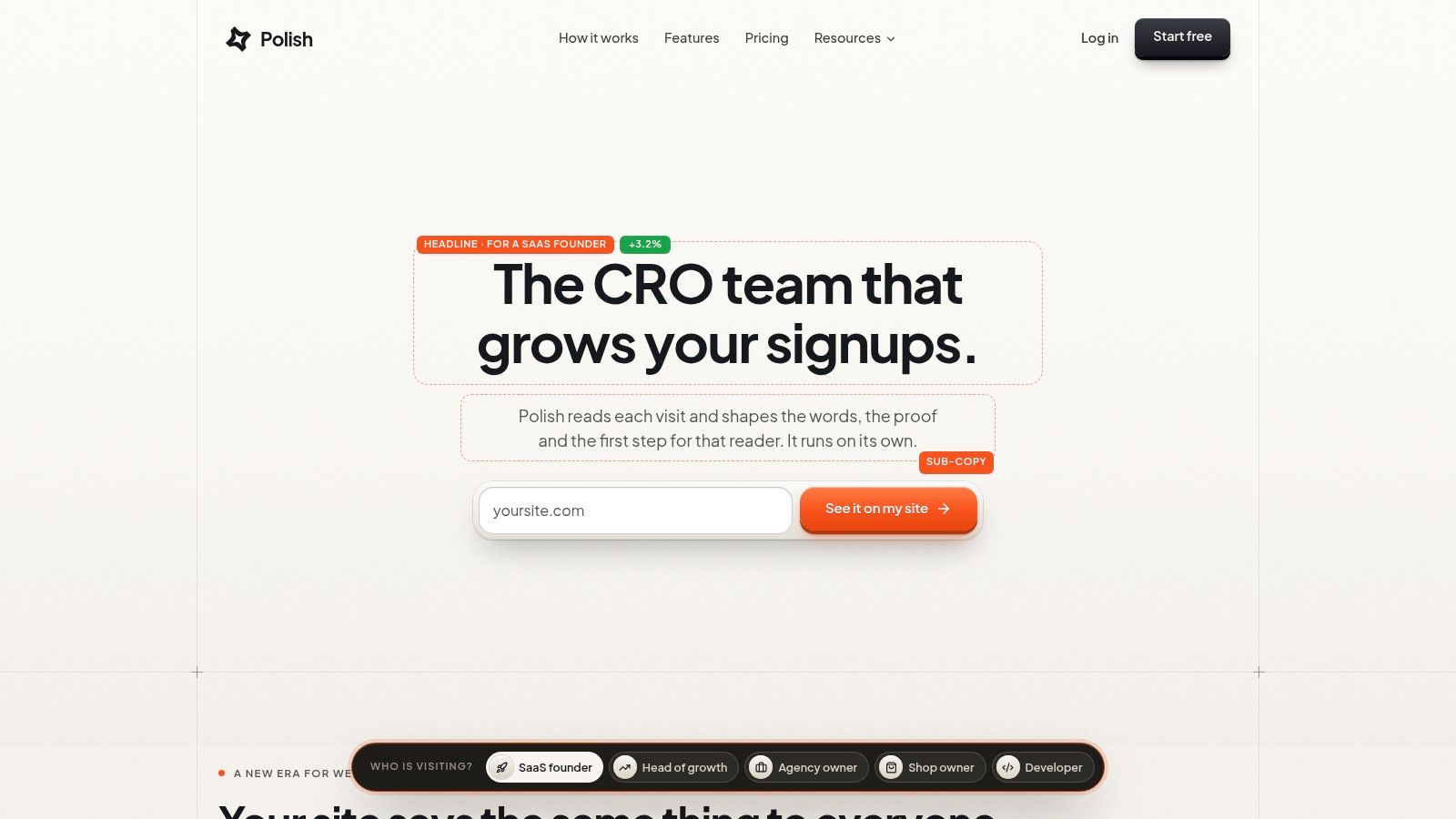
Polish takes a different approach from a classic A/B testing platform. Instead of asking the team to design a queue of page variants, it acts as an autonomous optimization agent that reads each visit and adapts the experience. It can use context such as traffic source, campaign, device, country, language, whether the visitor is new or returning, and pages already viewed.
The output is not limited to a button color. Polish can write a customized headline, supporting copy, CTA, proof ordering, and page structure while preserving the existing design and brand voice. It then tests alternatives on real traffic and keeps stronger-performing versions in circulation for similar visitors. That makes it closer to per-visitor personalization and continuous optimization than to a fixed, one-winner A/B test.
Polish
Where autonomous optimization helps
The setup is intentionally light. A single script works with Next.js, Webflow, WordPress, Shopify, and plain HTML. Polish uses a first-party pixel and cookieless measurement, which gives privacy-conscious teams a cleaner implementation path. It supports English, Français, Español, Deutsch, Italiano, Português, and Nederlands.
The readable activity feed is important. It shows what the agent changed and why, while controls let a team set its voice, approve changes, pause behavior, and steer decisions through a conversational CRO copilot. That visibility makes the product easier to supervise than a black-box personalization promise.
The useful distinction is not AI versus no AI. It's whether the system can improve the page without removing your ability to inspect and stop it.
Polish costs $99 per month on one plan, with a 3-day free trial, unlimited pageviews, and multi-site support according to the product details supplied for this comparison. The plan is easier to test than a sales-led enterprise contract. Still, the tool needs enough traffic and conversion events to learn effectively, and low-traffic sites may take longer to see meaningful results.
Some advanced capabilities, including a page-per-visitor rollout and deeper personalization, are currently in early access. Teams expecting a fully mature enterprise feature set may encounter limits. Polish is a strong fit for a Head of Growth, CRO, Marketing Manager, or CEO who has real traffic but lacks the capacity for a long manual testing backlog.
Best for: Teams that want autonomous, visitor-level optimization with a lightweight installation and direct oversight.
Skip it if: You need extensive enterprise governance, highly customized server-side experimentation, or your site has too little traffic for continuous learning.
Top 10 Website Optimizers Comparison
| Product | Core features | UX / Quality (★) | Price / Value (💰) | Target audience (👥) | Unique selling points (✨) |
|---|---|---|---|---|---|
| Optimizely Web Experimentation | Visual editor, A/B & MVT, audience targeting, Performance Edge | ★★★★☆ enterprise governance & docs | 💰 Quote-based, premium at scale | 👥 Enterprises, CRO programs | ✨ Enterprise workflows, broad integrations, delivery optimizations |
| VWO (Wingify) | Visual & code editors, client/server testing, QA tooling | ★★★★☆ practical QA & diagnostics | 💰 Sales‑led pricing | 👥 Growth teams, product & marketing | ✨ Guardrails/SRM detection, all‑in‑one CRO suite |
| AB Tasty | Client/server testing, feature flags, multi‑property governance | ★★★☆☆ unified UI; dev needed for advanced | 💰 Sales‑led (competitive positioning) | 👥 Marketing & product teams | ✨ CRO + feature rollout in one console |
| Convert Experiences | A/B, split‑URL, flicker controls, heatmaps/recordings | ★★★★☆ privacy‑conscious, fast support | 💰 Transparent traffic‑based plans | 👥 Lean growth teams & agencies | ✨ CNAME/consent‑aware bucketing, included heatmaps |
| Kameleoon | Client/server tests, AI prompt creation, self‑hosting | ★★★★☆ flexible deploys; AI learning curve | 💰 Sales‑led | 👥 E‑commerce/retail teams, privacy‑focused | ✨ AI test generation, self‑host & Shopify accelerators |
| Adobe Target | AB/MVT, automated personalization, recommendations | ★★★★☆ enterprise power; Adobe ecosystem fit | 💰 Quote-based (Std/Premium) | 👥 Enterprises using Adobe stack | ✨ Deep Adobe Experience Cloud integration, mature recommendations |
| Dynamic Yield (by Mastercard) | Personalization templates, recommendations, merchandising | ★★★★☆ retail-focused, enterprise-ready | 💰 Sales‑led | 👥 Retail/e‑commerce enterprises | ✨ Merchandising controls, Mastercard data positioning |
| Intellimize | AI-generated variants, dynamic experiences, recommendations | ★★★★☆ accelerates iteration; needs volume | 💰 Sales‑led | 👥 Teams with high traffic (B2B & e‑commerce) | ✨ Continuous AI-driven variant optimization across journeys |
| Mutiny | No-code templates for headlines/CTAs, firmographic integrations | ★★★☆☆ fast B2B launches; template-driven | 💰 Free/Business tiers; Enterprise ≈ $40k/yr | 👥 B2B marketers, ABM teams | ✨ Template ABM personalization + sales tool integrations |
| Polish 🏆 | Per-visitor AI copy (headline, CTA, proof), autonomous testing, cookieless first‑party pixel, one‑line script, multi‑platform | ★★★★★ autonomous, readable feed & controls | 💰 $99/mo, 3‑day free trial, unlimited pageviews | 👥 Heads of Growth, CROs, Marketing Managers, SMBs & CEOs | ✨ True per‑visitor personalization, autonomous optimization, privacy‑first, simple pricing |
Building Your Shortlist Around Traffic and Team Size
Start with the job, not the feature list. If you need controlled experiments with a documented hypothesis, fixed audiences, and a clear winner, choose a classic A/B testing platform. Optimizely, VWO, AB Tasty, and Convert all fit that category, but they serve different operating models. Optimizely and AB Tasty are more comfortable in larger organizations with formal ownership. VWO gives growth teams broad CRO coverage and practical diagnostics. Convert keeps the scope focused and makes pricing easier to investigate.
Your existing stack should narrow the field further. Adobe Target is most logical when Adobe Analytics and Experience Cloud already hold important audience and measurement data. Dynamic Yield is a stronger candidate when merchandising, recommendations, and cross-channel audience activation are central to the website. Kameleoon is attractive when deployment control, e-commerce workflows, and AI-assisted setup matter. Mutiny is more specific. It earns its place when B2B teams can identify accounts and connect website experiences to an ABM process.
Traffic volume changes the decision. A fixed-horizon test can struggle when a site receives limited traffic or few conversion events. BuiltWith-based estimates cited by Convert indicate that experimentation technology appears on only about 0.2% of all websites, compared with approximately 32% of the top 10,000 highest-traffic sites, 21% of the top 100,000, and 11.5% of the top million. Those figures show how uncommon structured experimentation remains across the wider web, but they don't mean every company should buy an enterprise platform. They mean teams need a method that matches the evidence they can realistically collect.
Protect the measurement layer
Don't evaluate an optimizer only by how quickly it publishes a variation. Website performance can affect the result before a visitor sees the test. Google's analysis of SOASTA research found that mobile pages loading in one second had conversion rates up to 27% higher than pages taking longer, while average bounce rates were about 13% under three seconds and approached 60% above nine seconds in that analysis (Google's mobile site speed research). A test script that creates flicker or slows interaction can contaminate the experience you're trying to improve.
Accessibility belongs in the same review. Recent benchmark data cited by White Hat SEO indicates that only 48% of websites pass all three Core Web Vitals on mobile and 56% on desktop, while WebAIM's 2025 Million findings reported detectable WCAG 2.2 Level A or AA failures on 94.8% of the top one million homepages, averaging 51 errors per page (the website audit benchmark discussion). Treat accessible forms, keyboard behavior, contrast, and mobile interaction as conversion requirements, not post-launch cleanup.
For a large team with developers and analysts, an enterprise platform may justify its cost through governance and control. For a smaller growth team, a focused suite may create more usable testing capacity. For a team with steady traffic but limited experimentation resources, an autonomous or AI-driven tool may produce more learning than a backlog of manually prepared ideas. Intellimize and Kameleoon emphasize acceleration, while Polish focuses on visitor-level adaptation and automatic circulation of stronger experiences.
The next step should be small and measurable. Pick your highest-traffic page, define one business outcome beyond a shallow click, record the current process, and run a short trial with one shortlisted tool. Compare not only the result, but also setup time, page performance, QA effort, reporting clarity, and how easily your team can explain why a variation won. GoReplay's guide to traffic replay tools for DevOps teams can also help when you need a safer way to test changes against realistic request patterns.
Polish gives you an autonomous web site optimizer that writes and tests headlines, supporting copy, CTAs, proof, and page structures for real visitors while keeping your brand and controls in place. Visit Polish to start the 3-day trial on your highest-traffic page and see whether visitor-level optimization can replace your next manual testing backlog.
- web site optimizers
- A/B testing tools
- CRO tools
- website personalization
- conversion rate optimization
Your website rewrites itself until it converts.
Polish writes new versions of your headlines and CTAs, tests them on your real visitors and keeps the ones that win.
Start free