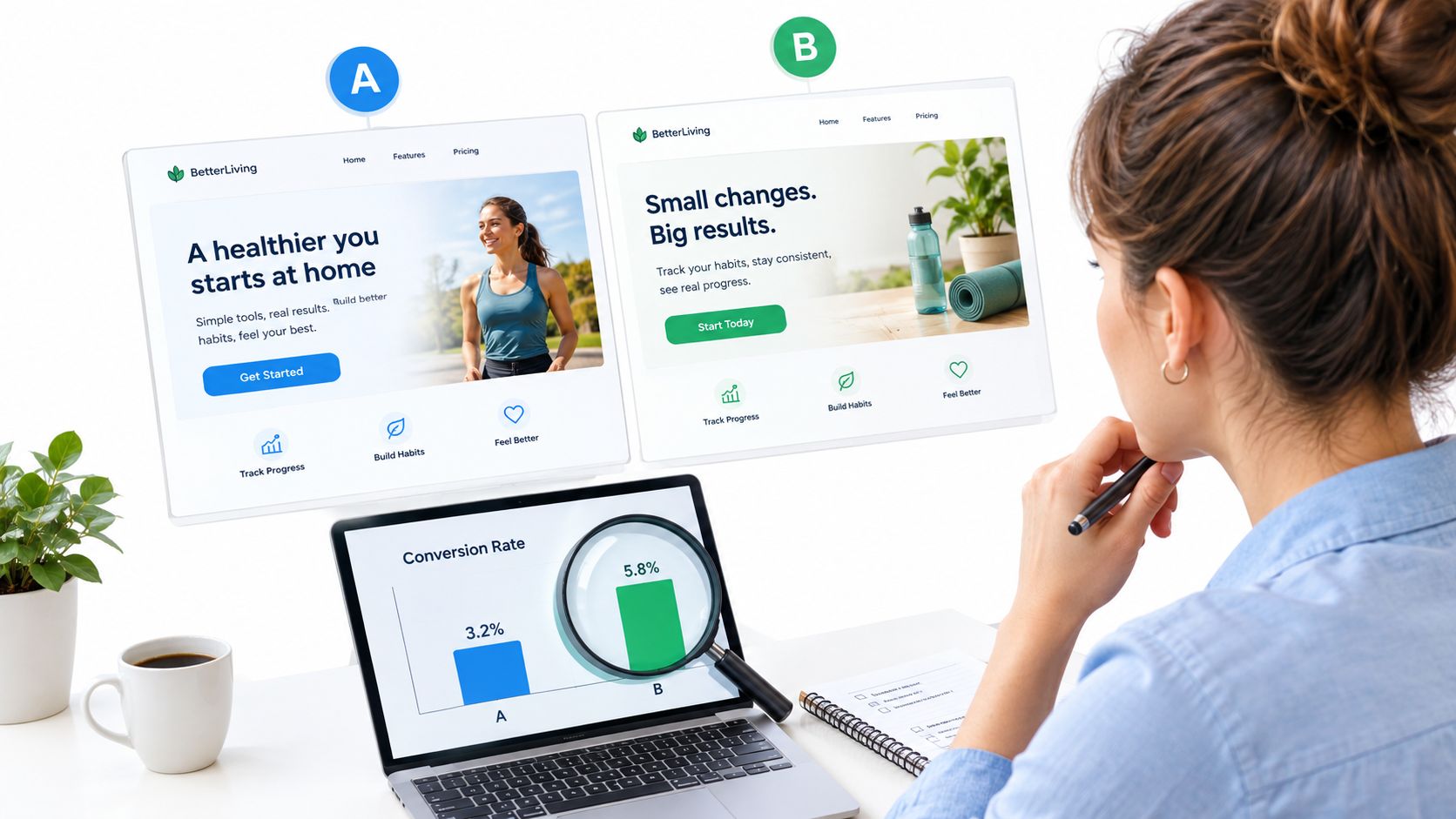
15 Free AB Split Testing Resources Worth Your Time
Compare 15 free AB split testing resources sorted by job (learn, plan, calculate, run, study cases), with a clear note on what is free versus a trial.
Published on 13 min read
Table of contents
- How Free Is Defined In This List
- 1. HubSpot's 15-Step A/B Testing Guide (guide): The Step-By-Step Walkthrough
- 2. Convert's Guide (guide): What Is A/B Testing And What Can You Test?
- 3. Wingify's Free AB Split Testing Resources Roundup (roundup): Good For More Reading
- 4. How To Write An A/B Testing Hypothesis (planning article): Plan Before Any Tool
- 5. Minimum Detectable Effect (planning article): How Big A Change Can Your Traffic Prove?
- 6. Polish's A/B Test Calculator (calculator): Check Whether A Result Is Significant
- 7. Polish's A/B Test Duration Calculator (calculator): Estimate Length Before You Launch
- 8. HubSpot's Significance Calculator And Tracking Template (calculator and template): Keep A Test Log
- 9. Polish's Conversion Lift Calculator (calculator): Report The Win In Plain Terms
- 10. GrowthBook (open-source tool): Test You Can Self-Host
- 11. PostHog (analytics and experiments tool): A Free Usage Allowance
- 12. ImproveAB (WordPress plugin): Split Tests On Your Own Site
- 13. Helpfull's Free A/B Testing Tool (hosted tool): A Quick First Test
- 14. G2's Free A/B Testing Tools Category (directory): Shortlist, Then Verify
- 15. Guess The Test (case-study source): Learn From Other People's Tests
- Side-By-Side Comparison Of The 15 Resources
- What Is The Best Free AB Testing Tool For Your Situation?
- Does A Free Tool Support Split URL Or Redirect Testing?
- When Should You Move From Free AB Testing Tools To Paid Ones?
- How To Put These Free Resources To Work
Most teams that search for free ab split testing resources get a pile of tool listings, a few blog posts and a calculator or two, all mixed together. Many of the "free" tools turn out to be trials. Nothing says which resource to use first, so teams install a tool before they have a hypothesis or know how much traffic a test needs.
This article answers three questions. What are the best free resources for learning and running A/B split tests? Which ones are actually free? And when do free resources stop being enough? The 15 items are sorted by the job they do: learn, plan, calculate, run, and learn from others. Each carries a label: free forever, free with limits, or trial only. The short answer: GrowthBook (self-hosted) and the ImproveAB WordPress plugin are the clearest free ways to run tests. The guides, planning articles and calculators cost nothing. Most hosted tools are free only up to a limit, or only for a trial.
How Free Is Defined In This List
A resource counts as free here if you can use it without paying and without a card. Guides, calculators, templates, tools and case studies all qualify. Each item gets one of three labels:
- Free forever: no payment needed to read or use it, with no stated expiry.
- Free with limits: free to start, but capped by usage, users or features.
- Trial only: free for a set period, then paid.
The distinction matters because tool listings blur it. The roundup pages that rank for this topic compare 7 tools in Webflow's guide and 12 in Personyze's comparison. Use those counts as a reference for how crowded the tool market is, not as a target: you need one tool that fits your site, not a shortlist of twelve. For a longer comparison of software, see this guide to A/B testing tools.
Items 1 to 3 teach the process. Items 4 and 5 plan the test. Items 6 to 9 calculate. Items 10 to 14 run the test. Item 15 helps you learn from other people's tests.
1. HubSpot's 15-Step A/B Testing Guide (guide): The Step-By-Step Walkthrough
What It Is: HubSpot's guide to A/B testing frames the method as splitting an audience to compare variations of a campaign. It covers the full test process and offers guidance on running a split test.
Who It Is For: Beginners who want one process to follow from first idea to final decision.
What You Will Get From It: The title promises 15 steps, according to HubSpot. Treat that as a checklist to compare against your current habits, not a rule. The page also points to a tracking template and a significance calculator, covered in item 8. Its limit: the guide is broad, so it will not pick a tool for you.
Format And Cost: Free forever (blog article). The page shows a date of June 6, 2025, with an update date in October 2026.
2. Convert's Guide (guide): What Is A/B Testing And What Can You Test?
What It Is: Convert's guide explains the core mechanic: visitors are randomly split between versions, and their behavior is judged against a target metric.
Who It Is For: Anyone who knows the idea but cannot decide what to test first.
What You Will Get From It: A clear definition and a practical list of elements worth testing. It also touches on when to move from free to paid tools, a question this article returns to below. Convert sells testing software, so read its tool advice with that in mind.
Format And Cost: Free forever (blog article).
3. Wingify's Free AB Split Testing Resources Roundup (roundup): Good For More Reading
What It Is: Wingify's roundup lists research tools, reading resources and testing tools in one place. The title promises 15+ resources, according to Wingify. Use that as a sense of scope.
Who It Is For: Readers who have finished the first two guides and want more material.
What You Will Get From It: Tools for analyzing landing pages, calculating statistical significance and estimating test duration. The catch is age: the page is dated April 30, 2019 and has since been updated, so some links may be dead. Check each link before building a workflow on it. The roundup also mixes tools, reading and methods in one pile, which is why this article sorts by job instead.
Format And Cost: Free with limits. The article is free, but some listed products have paid tiers and the snippet gives no full pricing breakdown.
4. How To Write An A/B Testing Hypothesis (planning article): Plan Before Any Tool
What It Is: Polish's article on writing an A/B testing hypothesis shows how to turn an idea into a testable statement.
Who It Is For: Anyone about to open a testing tool without a written reason for the change.
What You Will Get From It: A hypothesis comes before any tool because it fixes what you change, which metric should move and why. A usable hypothesis states the change, the metric and the reason you expect it to work. "Try a new headline" is not a hypothesis. A statement with a reason and a metric is one you can lose, and learn from.
Format And Cost: Free forever (blog article).
Practical rule: Write the hypothesis before you pick the tool, because the hypothesis decides what the tool must measure.
5. Minimum Detectable Effect (planning article): How Big A Change Can Your Traffic Prove?
What It Is: Polish's article on minimum detectable effect explains how to set the smallest effect size you want a test to detect.
Who It Is For: Sites with modest traffic that keep running tests that never conclude.
What You Will Get From It: The link between traffic, effect size and test length. A small expected change needs far more visitors to prove than a large one. Setting the effect first prevents tests that can never reach a result. Most roundups skip this step and go straight to tools.
Format And Cost: Free forever (blog article).
6. Polish's A/B Test Calculator (calculator): Check Whether A Result Is Significant
What It Is: An online calculator that checks whether a result is statistically significant. The A/B test calculator is on Polish's tools page.
Who It Is For: Anyone with two sets of visitor and conversion counts who needs to know if the gap is real.
What You Will Get From It: Enter visitors and conversions for each version, then read whether the difference is significant. Run it only when the test has reached its planned length. Checking daily and stopping at the first good-looking number is a common way to call false winners. The errors in testing article explains why.
Format And Cost: Online calculator. Confirm current access terms on the tool page.
7. Polish's A/B Test Duration Calculator (calculator): Estimate Length Before You Launch
What It Is: A calculator that estimates how long a test must run. The A/B test duration calculator works from your baseline conversion rate, desired improvement, number of variants and traffic.
Who It Is For: Teams about to launch who want to know if the test fits their traffic.
What You Will Get From It: A run time in advance. Use it before launching, not after. The same input types appear in Wingify's roundup, so you can cross-check the estimate against a second tool. If the answer is months, change the plan: test a bigger change, fewer variants, or a page with more traffic.
Format And Cost: Online calculator. Confirm current access terms on the tool page.
8. HubSpot's Significance Calculator And Tracking Template (calculator and template): Keep A Test Log
What It Is: A free calculator and a template for logging each test, offered through HubSpot's guide from item 1.
Who It Is For: Teams that track tests in a spreadsheet.
What You Will Get From It: A test log keeps hypotheses, results and decisions in one place. Without one, teams repeat old tests and forget why a variant lost. Copy the template, add columns for hypothesis, metric, minimum detectable effect and decision, and fill it in before each launch.
Format And Cost: Free forever as offered in the guide. HubSpot may ask for details to download; check the page.
9. Polish's Conversion Lift Calculator (calculator): Report The Win In Plain Terms
What It Is: A calculator that turns a winning variant into the relative lift it delivered. The conversion lift calculator is on Polish's tools page.
Who It Is For: Anyone who has to explain a result to a team or client.
What You Will Get From It: One number that states the size of the improvement over the original. Log it next to the significance check, so a decision rests on both: is the result real, and is it big enough to matter?
Format And Cost: Online calculator. Confirm current access terms on the tool page.
10. GrowthBook (open-source tool): Test You Can Self-Host
What It Is: An open-source testing tool, free to self-host, with a cloud Starter tier for up to three users, according to Webflow's comparison and Personyze. Webflow notes it may suit budget-constrained teams.
Who It Is For: Teams with developers who can host and maintain software.
What You Will Get From It: Real experiments with no license fee. The trade-off is that you maintain it: updates, hosting and fixes are yours. Treat the cloud Starter tier's three-user cap as a reference for when a growing team needs another plan.
Format And Cost: Free forever when self-hosted. Free with limits on the cloud Starter tier.
11. PostHog (analytics and experiments tool): A Free Usage Allowance
What It Is: A product with usage-based pricing and a free allowance of one million requests per month, according to Webflow's comparison. Use the figure as a way to estimate whether your traffic fits, not as a promise: check the official page for current limits.
Who It Is For: Product teams that already want analytics and experiments in one place.
What You Will Get From It: A way to start without paying. Webflow characterizes it as free to start. It is not free forever once usage grows.
Format And Cost: Free with limits (usage-based).
12. ImproveAB (WordPress plugin): Split Tests On Your Own Site
What It Is: A free WordPress plugin on WordPress.org. The listing describes unlimited tests and visitors and up to six versions per test, and says it runs on your own site.
Who It Is For: WordPress owners who want to start without a paid tool.
What You Will Get From It: Split tests without a hosted service. Six versions is a ceiling, not a goal: more versions split your traffic thinner and lengthen the test, as the duration calculator in item 7 shows. Check the plugin page for current details.
Format And Cost: Free forever as described by the listing.
13. Helpfull's Free A/B Testing Tool (hosted tool): A Quick First Test
What It Is: Helpfull's free tool is positioned as a quick, cost-effective way to gather feedback on variations.
Who It Is For: Anyone running a first quick test who does not want to install anything.
What You Will Get From It: Fast feedback on two options. Limits and paid plans are not stated in the research, so check before relying on it for ongoing work.
Format And Cost: Free with limits (unconfirmed). Verify on the product page.
14. G2's Free A/B Testing Tools Category (directory): Shortlist, Then Verify
What It Is: A directory of free A/B testing tools. The title lists 83 picks, according to G2. Use the count to see how many products claim a free tier, not as a reason to compare them all.
Who It Is For: Anyone building a shortlist.
What You Will Get From It: A warning worth heeding. G2 notes that listed products may offer only free trials and that free versions commonly have time or feature limits. Crazy Egg, for example, advertises a 30-day free trial. VWO shows a 30-day trial and custom-quote pricing in Webflow's comparison. Both are trials, not free tools. Verify pricing on each vendor's page.
Format And Cost: Free forever (directory). Listed products vary: many are trial only or free with limits.
15. Guess The Test (case-study source): Learn From Other People's Tests
What It Is: Wingify's roundup describes Guess The Test as a source of A/B testing case studies. The research does not identify an individual case, so check the site for current content.
Who It Is For: Teams short of test ideas.
What You Will Get From It: Hypotheses, not recipes. Read a case, ask what the team believed about visitors, and test your own version of that belief. A result from another site's traffic is not a promise for yours. More examples are in Polish's A/B testing examples.
Format And Cost: Free forever as described by Wingify. Confirm on the site.
Side-By-Side Comparison Of The 15 Resources
| Resource | 🎯 Best For | 💰 Cost Type | 💡 Standout |
|---|---|---|---|
| 1. HubSpot guide | Beginners | Free forever | One process to follow |
| 2. Convert guide | Choosing what to test | Free forever | Clear definition |
| 3. Wingify roundup | More reading | Free with limits | Wide list, dated 2019 |
| 4. Hypothesis article | Planning | Free forever | Hypothesis before tool |
| 5. Minimum detectable effect | Low-traffic sites | Free forever | Avoids unwinnable tests |
| 6. A/B test calculator | Checking significance | Confirm terms | Quick result check |
| 7. Duration calculator | Pre-launch planning | Confirm terms | Length before launch |
| 8. HubSpot calculator and template | Spreadsheet teams | Free forever | Test log |
| 9. Conversion lift calculator | Reporting wins | Confirm terms | Relative lift |
| 10. GrowthBook | Teams with developers | Free forever (self-hosted) | Open source |
| 11. PostHog | Product teams | Free with limits | One million requests |
| 12. ImproveAB | WordPress owners | Free forever | Up to six versions |
| 13. Helpfull | A first quick test | Free with limits | Fast feedback |
| 14. G2 category | Shortlisting | Free forever (directory) | Trial warning |
| 15. Guess The Test | Test ideas | Free forever | Case studies |
What Is The Best Free AB Testing Tool For Your Situation?
The best free AB testing tool is the one that fits where your site runs and the limits you can live with. Pick by environment: self-hosted for teams with developers, a plugin for WordPress, or a hosted tool for quick tests. Each has a different cost in time and money.
- Self-hosted: choose GrowthBook if you have developers, because the license is free and you carry the maintenance.
- WordPress plugin: choose ImproveAB if your site runs on WordPress and you want no hosted service.
- Hosted tool: choose PostHog or Helpfull for a fast start, and check the usage limits first.
A worked example. A founder with a small WordPress site wants to test a headline. Before, she installs a tool, runs two versions and stops after a few days when one looks ahead. After, she writes a hypothesis, sets the effect she wants to detect, checks the duration calculator and finds the test would take too long for a small change. She tests a bolder headline instead, runs it to the planned length, and records the result in her log. The tool is the same. The plan is what changed.
Practical rule: Check the limit before you build on a free tool, because a limit you hit mid-test costs more than a paid plan.
Does A Free Tool Support Split URL Or Redirect Testing?
Some do, but the research confirms it only for Crazy Egg, which advertises support for split-URL or redirect tests during a 30-day free trial. It does not state the price afterward. For the free tools above, the research does not confirm split URL support, so check each tool's documentation before planning a test that sends visitors to a different page. For how to set up a split between pages, see this guide to a landing page split test.
When Should You Move From Free AB Testing Tools To Paid Ones?
Move to paid tools when free limits block a test you need, or when running tests by hand costs more of your time than a plan would. Typical triggers are hitting a usage cap, needing more users than a free tier allows, or needing redirect testing the free tool lacks.
Manual testing has a deeper limit. It needs traffic, time and statistics. Each test needs enough visitors to prove a result, enough weeks to run, and someone to check significance. Free resources help with every step, but they do not remove the steps. If your traffic is too low to prove the changes you can make, a better calculator will not fix it.
How To Put These Free Resources To Work
- Read: work through items 1 and 2 to settle on one process.
- Write: draft a hypothesis using item 4, and name the metric.
- Size it: set the minimum detectable effect with item 5, then check length with item 7.
- Choose where to run: pick self-hosted, WordPress plugin or hosted tool, and confirm the limits.
- Log it: record the plan in the template from item 8 before you launch.
- Run to the end: do not stop early, and check significance with item 6 only at the planned length.
- Report: use item 9 for lift, then log the decision.
- Refill ideas: read case studies from item 15 and write the next hypothesis.
These resources fit together as one sequence. Guides teach the process, planning articles stop you from running tests that cannot finish, calculators size and check each test, tools run it, and case studies feed the next hypothesis. Free labels matter at the tool step, so verify limits and trial periods before you commit.
Polish is an AI agent for founders and website owners who want more signups: it reads visit signals to rewrite headlines, copy and calls to action for each visitor, and tests variations on live traffic, keeping the versions that convert. That removes much of the manual work of planning, sizing and checking tests described above, and you can see how it works at Polish.
- free ab split testing resources
- ab testing
Your website rewrites itself until it converts.
Polish writes new versions of your headlines and CTAs, tests them on your real visitors and keeps the ones that win.
Start free