10 Best Landing Page Tools for Growth Teams
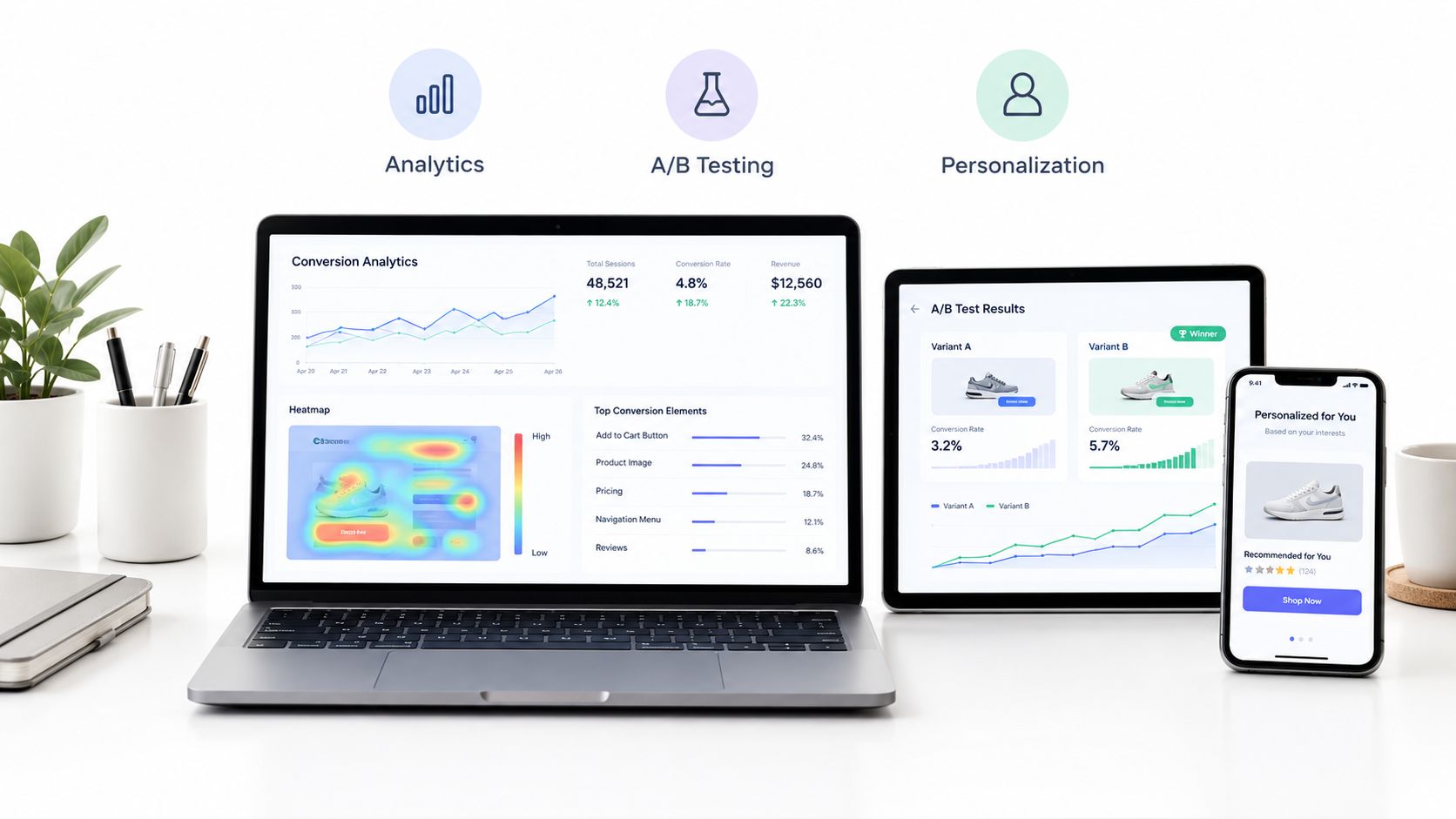
Compare the best landing page tools for growth and CRO teams, from AI personalization to testing, analytics, design control, and funnel building.
Published on 18 min read
Table of contents
- 1. Polish
- Where Polish fits best
- 2. Unbounce
- The trade-off between maturity and flexibility
- 3. Instapage
- Best for enterprise post-click operations
- 4. Leadpages
- Where Leadpages stops short
- 5. Webflow
- Experimentation requires another layer
- 6. HubSpot
- Evaluate the workflow, not only the page
- 7. ClickFunnels 2.0
- A funnel-first trade-off
- 8. Framer
- 9. Swipe Pages
- Speed comes with constraints
- 10. Landingi
- Top 10 Landing Page Tools Comparison
- Match the Platform to the Next Conversion Test
The popular advice is to find the “best” landing page builder and use it for every campaign. That advice fails because teams rarely have the same conversion bottleneck. One team needs per-visitor message personalization, another needs tighter ad-to-page relevance, faster experimentation, better mobile performance, stronger design control, CRM workflows, or a complete sales funnel.
This roundup evaluates the best landing page tools by the problem they solve, not by template counts. Each review covers the practical use case, implementation effort, experimentation depth, scalability, limitations, and commercial considerations. Pricing should be verified before committing because several platforms don't publish complete commercial details, and plan limits can change.
The benchmark behind serious CRO is conversion performance, not visual polish. Unbounce's Q4 2024 dataset covered more than 41,000 landing pages, 464 million pageviews, and 57 million conversions, with a 6.6% median conversion rate across industries, as reported in this landing page conversion benchmark. Your tool should help you improve the metric that matters for your campaign. For foundational UX principles, see this guide to converting visitors with UX.
1. Polish
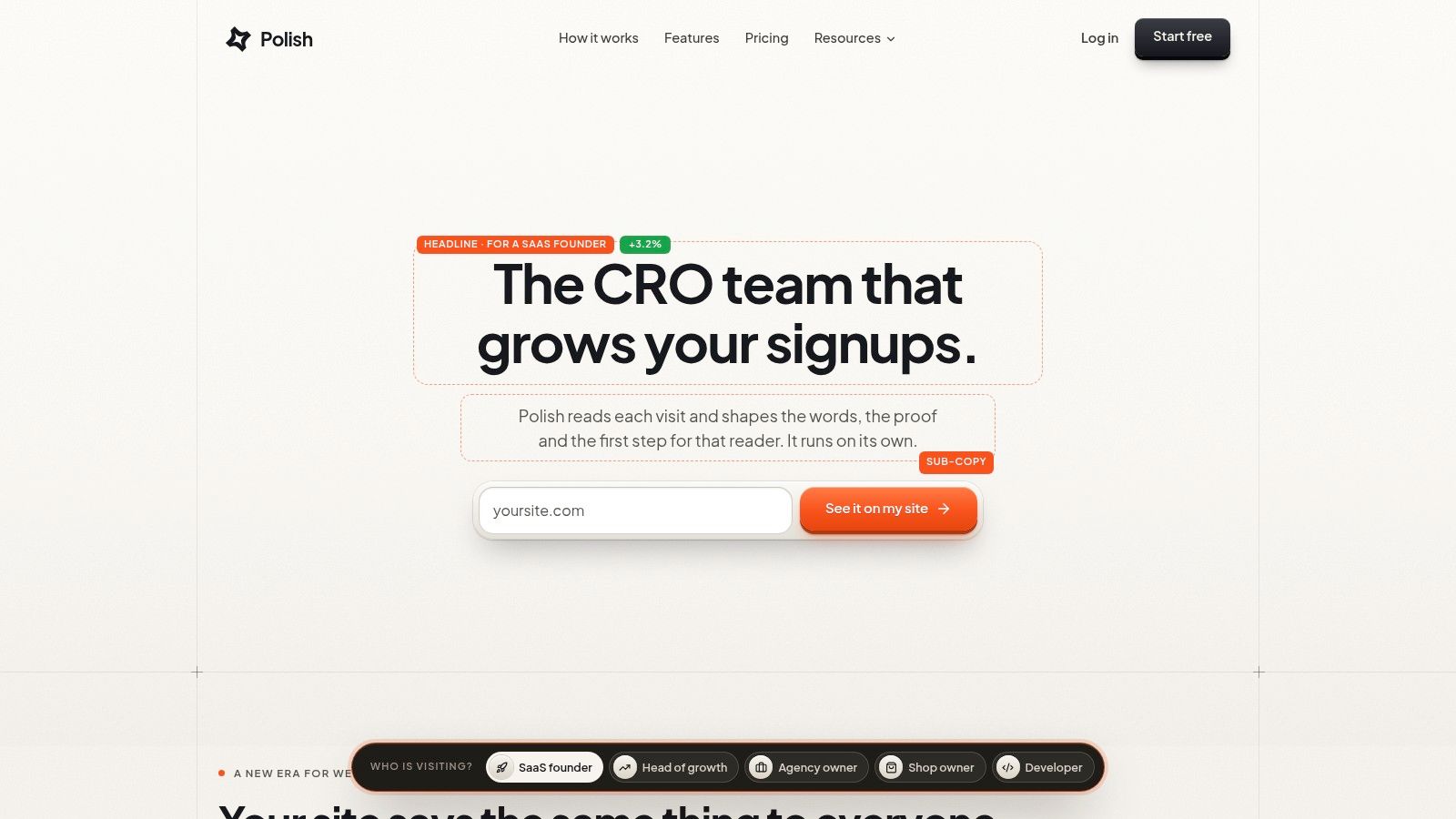
Polish is built around a specific conversion problem: static messaging doesn't match every visitor. After a one-line script installation, the autonomous AI agent reads the page, creates alternative headlines, subheadings, and CTAs, then serves the version most likely to convert for each visitor.
The personalization can account for the visitor's source, campaign, device, country, and whether they're new or returning. That makes Polish different from a conventional page editor or a standard split-testing workflow. Instead of asking a marketer to create and manage every variant manually, it continuously learns from visits and keeps improving the message shown to similar visitors.
Practical rule: Use Polish when the page already receives meaningful traffic but the team can't manually build and maintain variants for every audience segment.
The low-friction setup suits Heads of Growth, CRO leaders, Marketing Managers, and CEOs who want experimentation without a large engineering project. The Polish landing page checker can also inspect a page and report elements such as the H1, buttons, title tag, meta description, share image, declared language, and filler words in the copy.
Where Polish fits best
Polish is strongest when the bottleneck is message relevance at the visitor level. A paid-search visitor, an organic-search visitor, and a returning visitor may need different reasons to act, even when they arrive on the same URL. Polish addresses that gap by adapting the copy rather than requiring separate pages for every segment.
Its main trade-offs are governance and commercial visibility. Pricing and plan details aren't publicly listed, so you'll need to visit Polish or request a demo to evaluate cost. Automated copy also needs brand, legal, compliance, and performance guardrails, particularly when a third-party script runs on high-value pages.
Pros
- Per-visitor personalization: Generates and serves headlines, subheadings, and CTAs based on source, campaign, device, country, and visit status.
- Autonomous optimization: Learns from visits without requiring every A/B test to be configured manually.
- Low implementation friction: A script installation can start the workflow without heavy engineering.
- Conversion-focused scope: Concentrates on the copy elements most closely tied to clicks, signups, and other page actions.
Cons
- Unpublished commercial details: You'll need direct contact to assess pricing and plan limits.
- Governance requirements: Teams need review rules for brand voice, legal claims, privacy, and script performance.
2. Unbounce
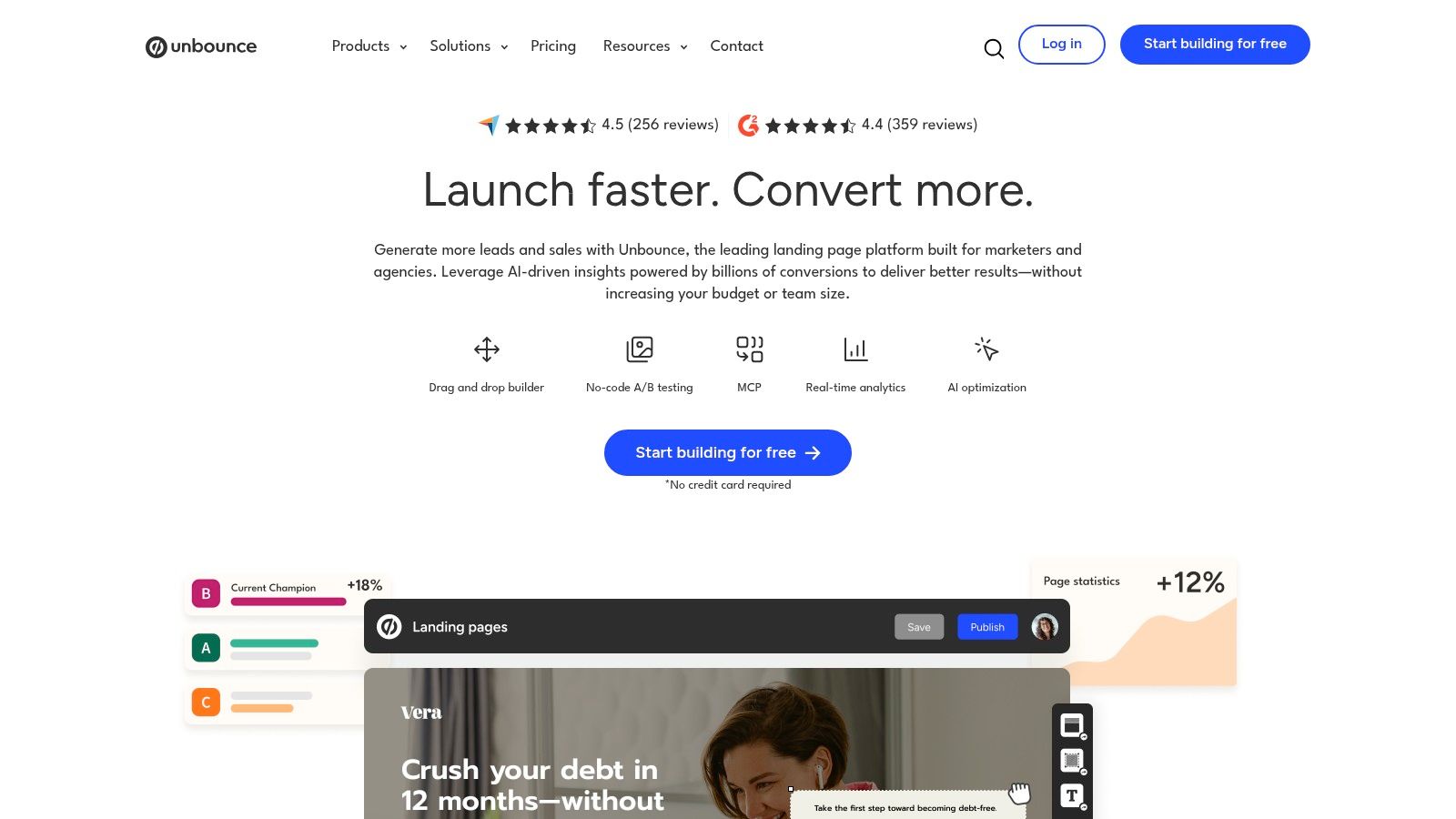
Unbounce is a strong choice when the conversion problem is paid-acquisition relevance combined with faster experimentation. It's designed for performance marketers who need to connect ad intent to landing-page content and test page variants without waiting for a full development cycle.
Dynamic Text Replacement can reflect ad copy or keywords on the page, which helps align the post-click experience with the promise that generated the visit. Native A/B testing supports variant weighting and winner selection, while Smart Traffic can route visitors toward better-performing variants. That's useful when traffic is limited and a conventional test would take too long to produce a reliable direction.
Unbounce also includes templates, popups, sticky bars, multi-step forms, and controls for custom scripts and pixels. Those features make it practical for paid-search teams running several campaign types, especially when conversion actions differ between lead generation and direct response.
The trade-off between maturity and flexibility
Unbounce's documentation, support, and ecosystem are mature, which lowers implementation risk for teams that need a proven operating process. The drawback is that costs can scale with traffic and feature requirements, so the commercial evaluation should include projected campaign volume rather than just the entry plan.
Its personalization is also narrower than a full per-visitor personalization system. Dynamic text is powerful for matching known ad or keyword context, but it isn't the same as automatically generating a complete message experience for every visitor segment.
Use Unbounce when your paid campaigns need tighter ad-to-page alignment and a familiar testing workflow.
Review its current plans and capabilities on the Unbounce website. For practical guidance on structuring experiments, see this landing page split-testing guide.
3. Instapage
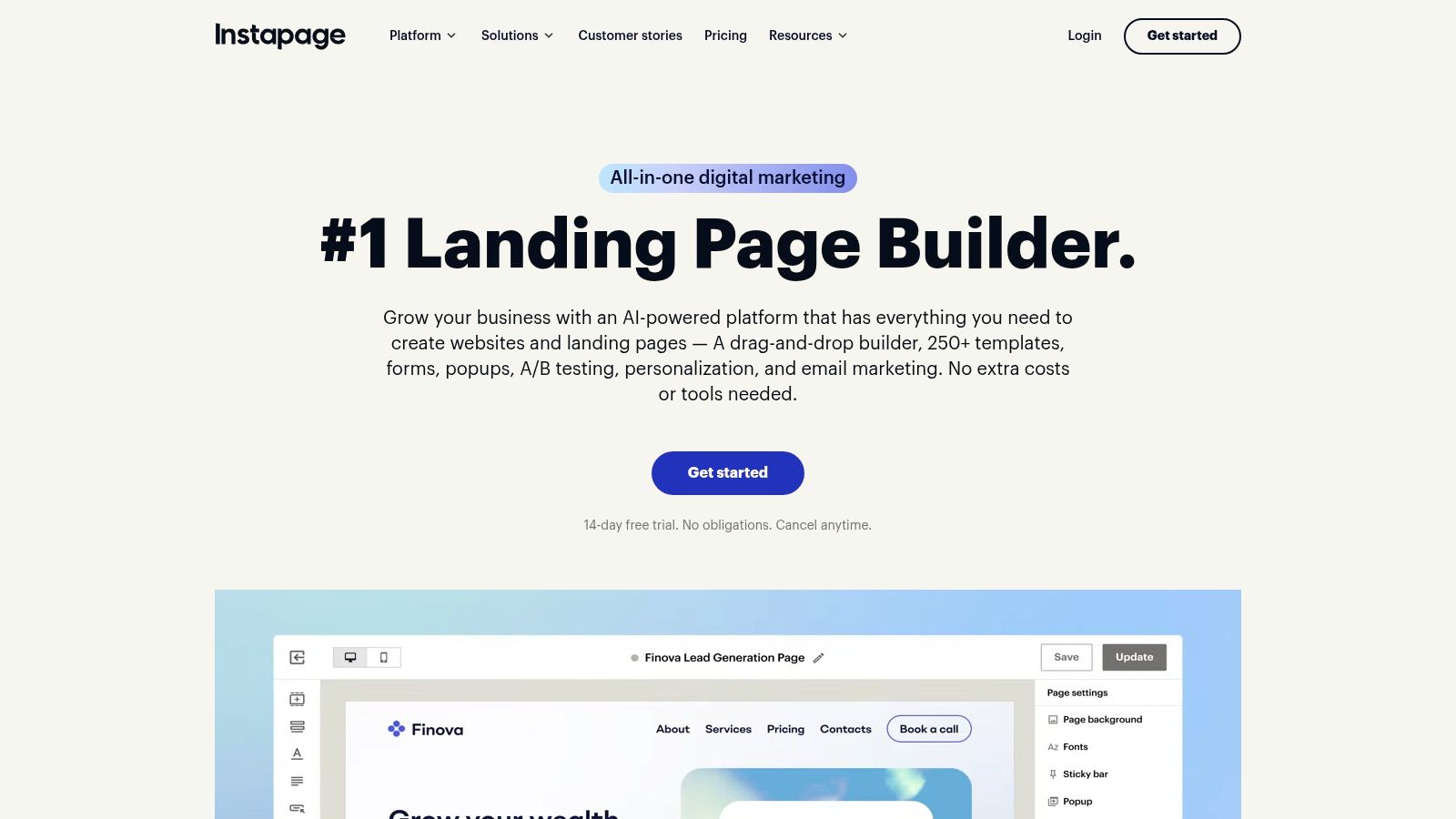
Instapage is aimed at teams that need post-click relevance at scale. Its AdMap connects ads or ad groups with matching page experiences, giving paid-media teams a structured way to see whether each campaign has an appropriate destination.
That matters for organizations managing many markets, offers, or brands. Personalization rules can use UTMs and audience information, while dynamic content helps adapt the experience without creating an entirely separate page for every campaign. The platform also supports A/B testing and AI-assisted experimentation for teams that want a more formal CRO program.
Instablocks and Collections reduce repetitive production work. Teams can reuse sections, forms, and approved assets across a large portfolio, while collaboration features support handoffs between media buyers, designers, copywriters, and conversion specialists.
Best for enterprise post-click operations
Instapage's strength is operational scale, not simplicity. Migration assistance, custom features, and conversion consulting can help larger organizations, but those services also increase total cost of ownership. The platform may be unnecessary for a small team with one offer and a modest campaign portfolio.
Pricing commonly requires a sales conversation, so ask for a full assessment of visitor limits, experimentation features, user permissions, support, and migration. Don't compare only the editor against lower-cost builders. Compare the complete process your team needs to launch, govern, personalize, and measure pages.
Choose Instapage if:
- Ad mapping is central: You need a clear relationship between ad groups and destination experiences.
- Reuse matters: Multiple teams or markets need shared sections and controlled assets.
- Enterprise support matters: Migration, consulting, and custom requirements justify a higher investment.
- Simple pages aren't enough: You need structured personalization and experimentation across campaigns.
Instapage's current product information is available on the Instapage website. For a broader look at automated message adaptation, read this guide to real-time personalization.
4. Leadpages
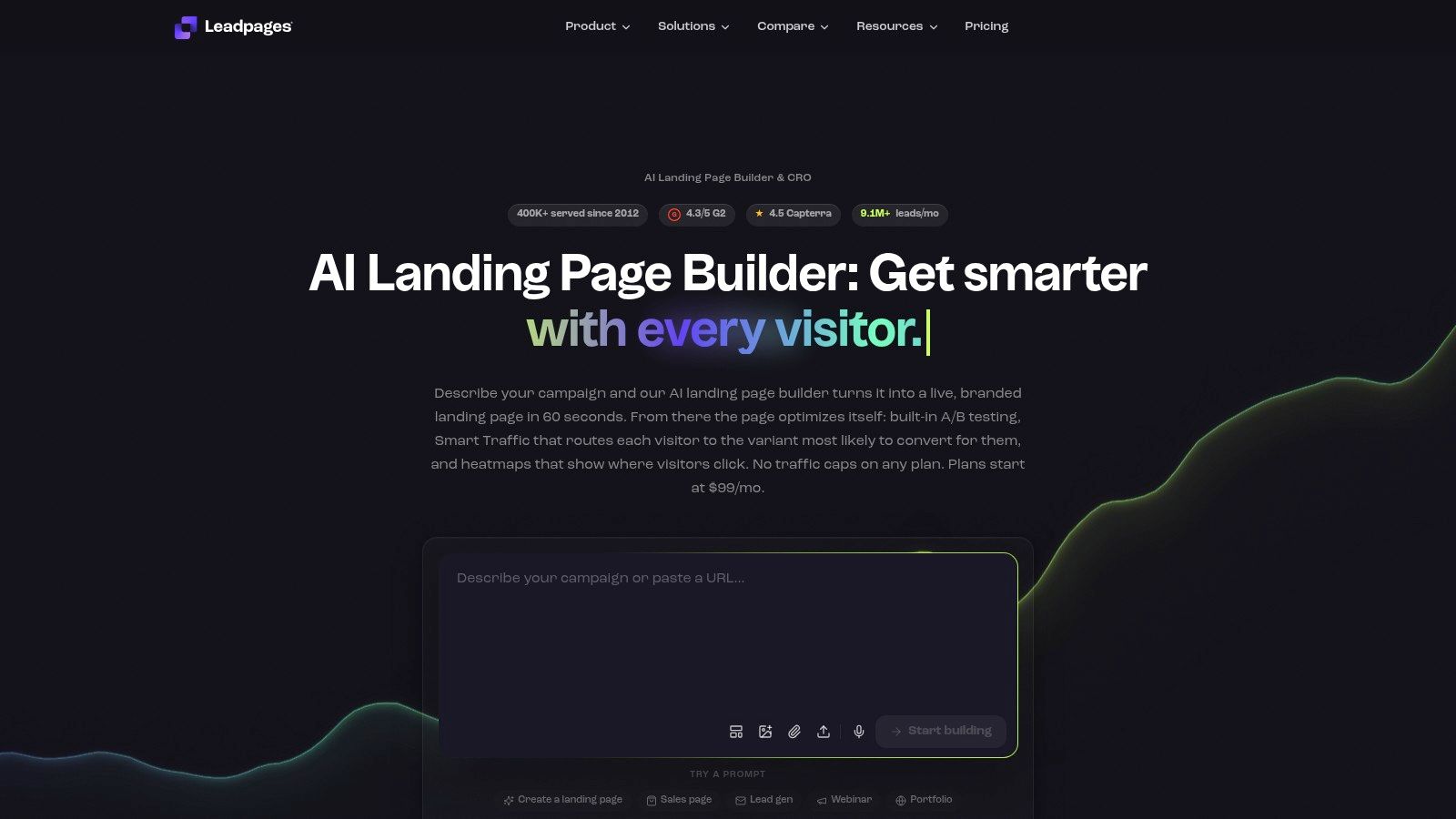
Leadpages solves a more practical problem: launching and testing useful pages quickly without building an enterprise CRO stack. It combines an approachable editor with lead capture, native experimentation, AI-assisted page generation, and a broad integration layer.
A team can import a URL to bootstrap a design, adapt the copy, and test variants without starting from a blank canvas. Native A/B testing supports up to six variants per page, which gives smaller teams room to compare meaningful changes while keeping the workflow understandable.
Lead capture is built into the platform, and Lead Inbox gives teams a place to review submissions. The platform also supports integrations through native connections, Zapier, Make, and API options, so form data doesn't have to remain isolated from the CRM or email system.
Where Leadpages stops short
Leadpages is a good fit for a small or mid-market team that values speed and practical integrations. It isn't as deep as enterprise platforms for advanced personalization, governance, or large-scale page operations. Some advanced functionality is also limited by credits or higher-tier plans, so check the exact workflow before assuming the base plan covers it.
The platform offers a 7-day free trial, according to the product plan notes, which can help a team validate the editor, integrations, publishing process, and testing setup before making a longer commitment.
Pros
- Fast production: AI assistance and templates shorten the route from brief to publishable page.
- Practical testing: Native A/B testing supports multiple variants without a separate experiment tool.
- Integration coverage: Native connections, Zapier, Make, and API options support common marketing stacks.
- Built-in capture: Forms and Lead Inbox reduce the need for an additional lead collection layer.
Cons
- Limited scale depth: Personalization and governance are lighter than in enterprise-focused tools.
- Tier restrictions: Credits and plan gates can affect advanced AI and experimentation use.
See the current editor and plan details on the Leadpages website.
5. Webflow
Webflow is the strongest option in this list when the main conversion problem is design control and reusable page architecture. It gives designers precise control over layout, interactions, components, and responsive behavior while supporting CMS-driven page systems.
That combination works well for teams creating programmatic landing pages or maintaining a consistent design system across campaigns. CMS Collections can support repeatable structures, while components and collaborative controls help designers and marketers work from the same foundation. Webflow AI and Cloud updates add newer capabilities, but usage limits and credits should be reviewed before rollout.
The practical benefit is freedom without requiring every marketer to write front-end code. Designers can build a polished experience, and content teams can update structured content inside a controlled system.
Experimentation requires another layer
Webflow doesn't provide first-party A/B testing. Teams need an app or integration, such as Split, to add experimentation inside the broader Designer workflow. That introduces another implementation dependency, including analytics configuration, variation management, and validation that the testing layer doesn't undermine page performance.
Webflow's pricing and plan limits have also been changing, so validate workspace permissions, CMS capacity, publishing requirements, and experimentation costs before standardizing on it.
Design freedom is valuable only when the team can still publish, measure, and iterate without creating a developer queue.
Webflow is a fit for brand-led organizations with capable designers and a clear process for adding testing tools. It's less suitable when the main need is autonomous personalization or a built-in CRO workflow. Explore the platform on the Webflow website.
6. HubSpot
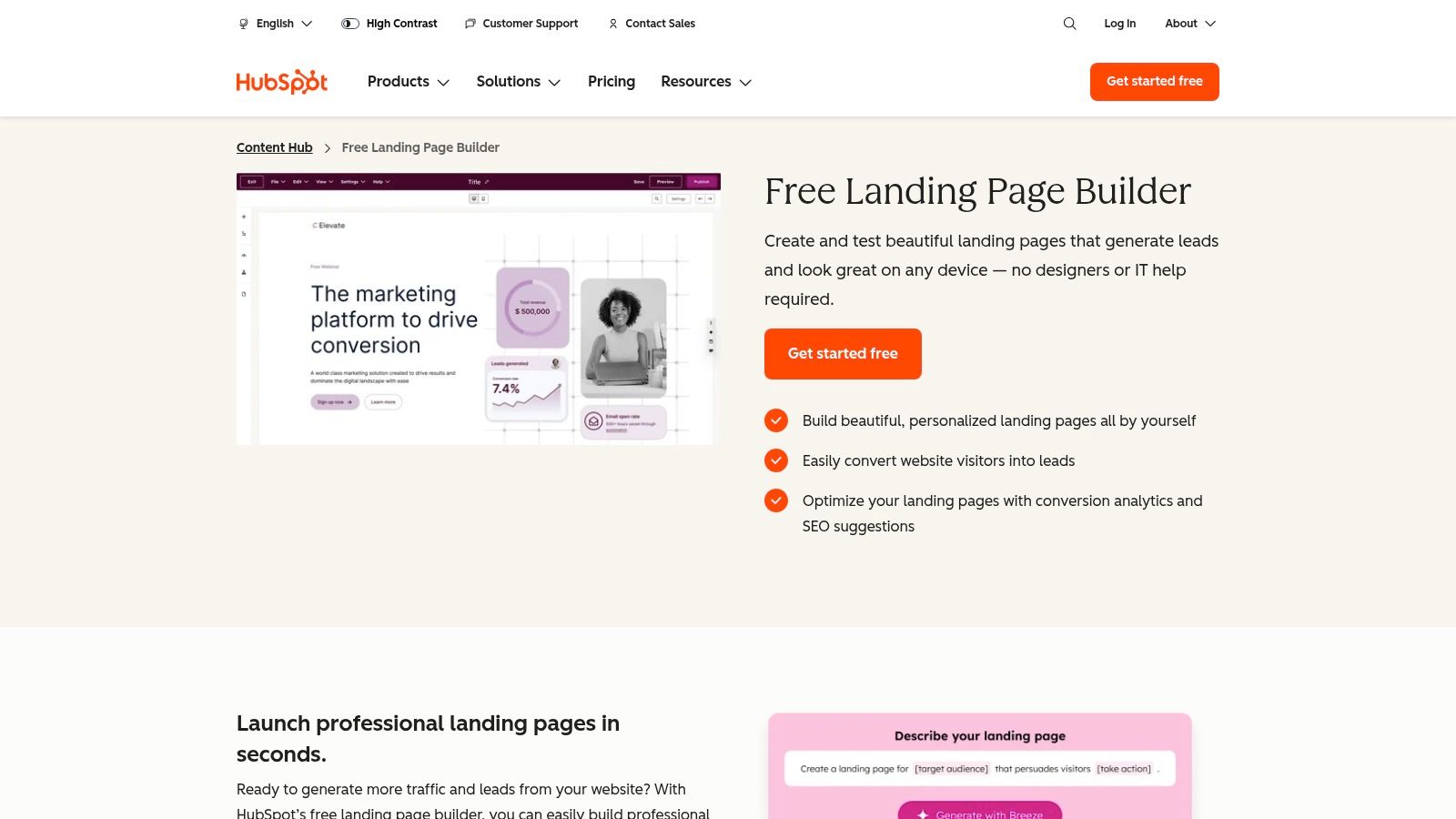
HubSpot fits teams whose conversion problem continues after the click. If marketing, forms, automation, and CRM processes already run there, a landing-page submission can remain connected to the contact record and the follow-up workflow.
Pages are built within the Marketing or Content Hub environment. Available capabilities include A/B testing, adaptive testing, Smart Content personalization, forms, workflows, and CRM data. Salesforce integration also supports organizations that use HubSpot for marketing while retaining Salesforce as a core sales system.
The editor may offer less design freedom than a dedicated builder. Its advantage is operational: the page belongs to a lifecycle system. A submission can feed segmentation, lead scoring, email automation, or sales handoff without separate connectors between vendors.
Evaluate the workflow, not only the page
HubSpot makes the strongest case when the organization already uses the platform. Buying it only for landing pages can cost more overall than selecting a focused builder and connecting it to an existing CRM.
Adaptive testing can support more iterative optimization than a single-variant workflow. Restrictions may apply to dynamic or mass testing within certain templating models, so teams should test their actual page architecture, personalization rules, reporting requirements, and CRM handoffs before committing.
Choose HubSpot when:
- CRM context matters: Page behavior must connect to known contacts and lifecycle stages.
- Automation affects conversion: The next action after submission matters as much as the page experience.
- The stack is already in place: Existing HubSpot adoption reduces integration work.
- Sales and marketing share data: Forms, workflows, and CRM records need one operating environment.
For teams focused on ad-to-page relevance or design control, a dedicated builder may be a better fit. HubSpot is stronger when personalization and funnel follow-up depend on CRM context. Review current capabilities on the HubSpot landing pages product page.
7. ClickFunnels 2.0
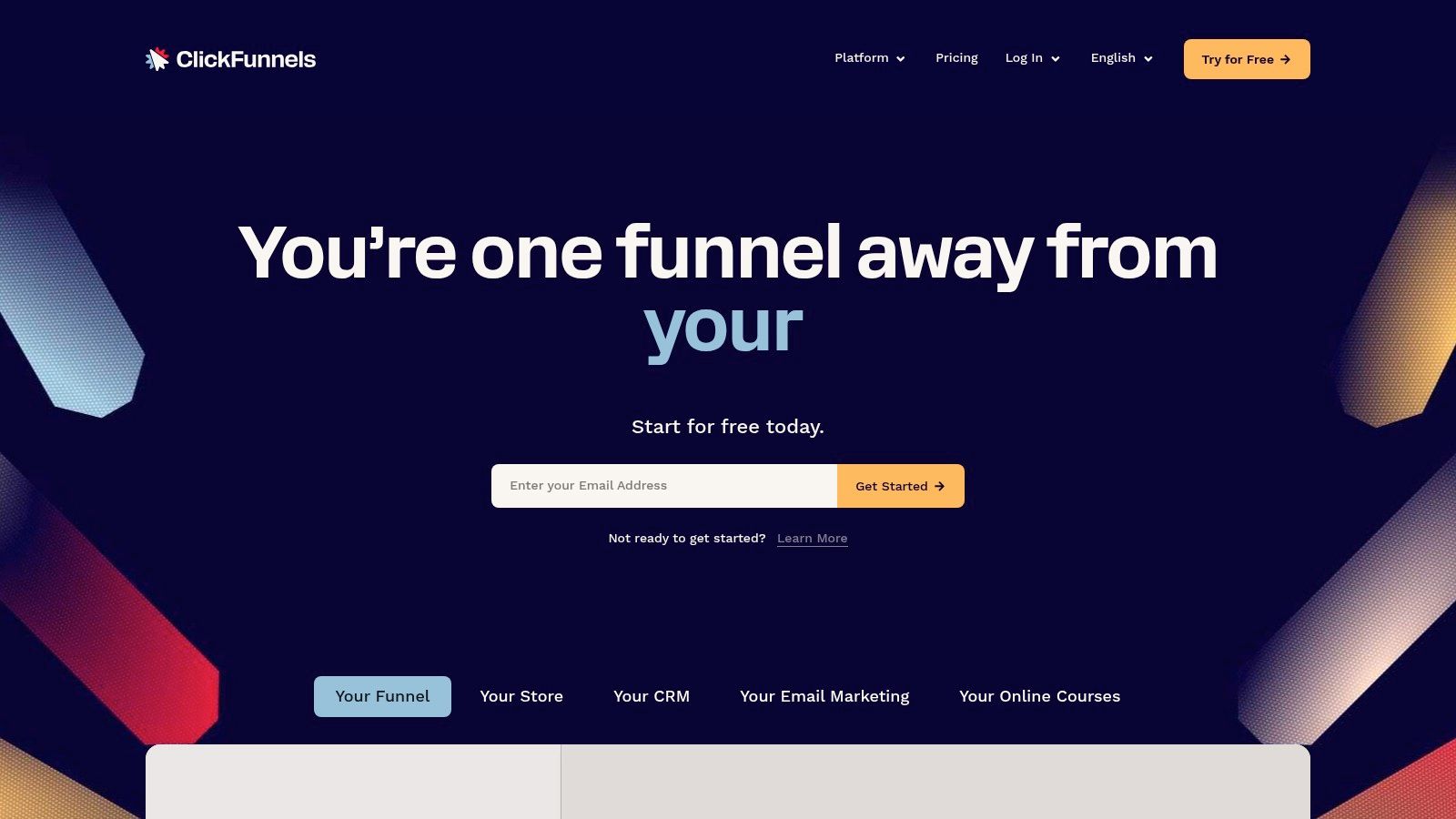
ClickFunnels 2.0 is designed for a different conversion problem: finishing the entire sales journey in one system. It connects landing pages to checkout, payments, follow-up, courses, and other funnel steps, which makes it relevant to direct-response marketers selling products, courses, and offers.
The platform supports drag-and-drop page and funnel building, templates, funnel-step A/B testing, built-in payments, domains, and higher-tier API or webhook capabilities. The key distinction is that testing can happen across a funnel step, not only on an isolated landing page. That helps teams evaluate whether a page produces revenue, checkout progression, or another downstream action.
A funnel-first trade-off
The single-vendor approach reduces the number of systems involved in a launch. It can also simplify ownership when the same team controls the offer, checkout, follow-up, and fulfillment.
The trade-off is design and stack flexibility. ClickFunnels offers less granular design control than design-centric platforms, and migrating from older versions may require rebuilds. It's also a poor fit if you only need standalone lead-generation pages and already have a mature CRM, checkout, email, and analytics stack.
Best fit: product launches, courses, direct-response offers, and teams that prefer one funnel platform over several connected tools.
Poor fit: brand teams that need pixel-level control, organizations with established commerce infrastructure, or marketers who want to optimize only a single page without changing the rest of the journey.
You can assess the current funnel features on the ClickFunnels website.
8. Framer
Framer solves a different conversion problem than funnel-focused tools: giving brand teams tight control over presentation while keeping campaign edits accessible to marketers. Its visual builder supports collaborative editing, role controls, AI-assisted editing, and on-page changes after launch.
That combination suits campaigns where visual credibility affects the conversion decision. A marketer can adjust a headline or offer in context without sending every change back to a designer. The trade-off is that Framer prioritizes page production and presentation over complex campaign orchestration.
For experimentation, Framer supports A/B testing through its Advanced Analytics add-on for Launch and Scale sites. Testing is available, but teams must account for the relevant plan tier and add-on when comparing it with platforms that include experimentation in their core workflow.
Before adopting it across a portfolio, verify bandwidth, editor access, analytics needs, publishing arrangements, and collaboration permissions. Pricing and usage limits can change, so these details affect the actual operating cost and the amount of control each team member receives.
Framer is a stronger choice than Webflow for rapid visual production and marketer-led editing. Webflow remains better suited to teams that need a deeper CMS structure. Framer is also a weaker fit for autonomous personalization, complex CRM workflows, or mature native experimentation.
Choose Framer when brand presentation is part of the conversion argument, marketers need to edit live copy in context, and designers and campaign owners require shared controls. It works best when testing can be added separately without displacing the design workflow.
Review the current builder and analytics options on the Framer website.
9. Swipe Pages
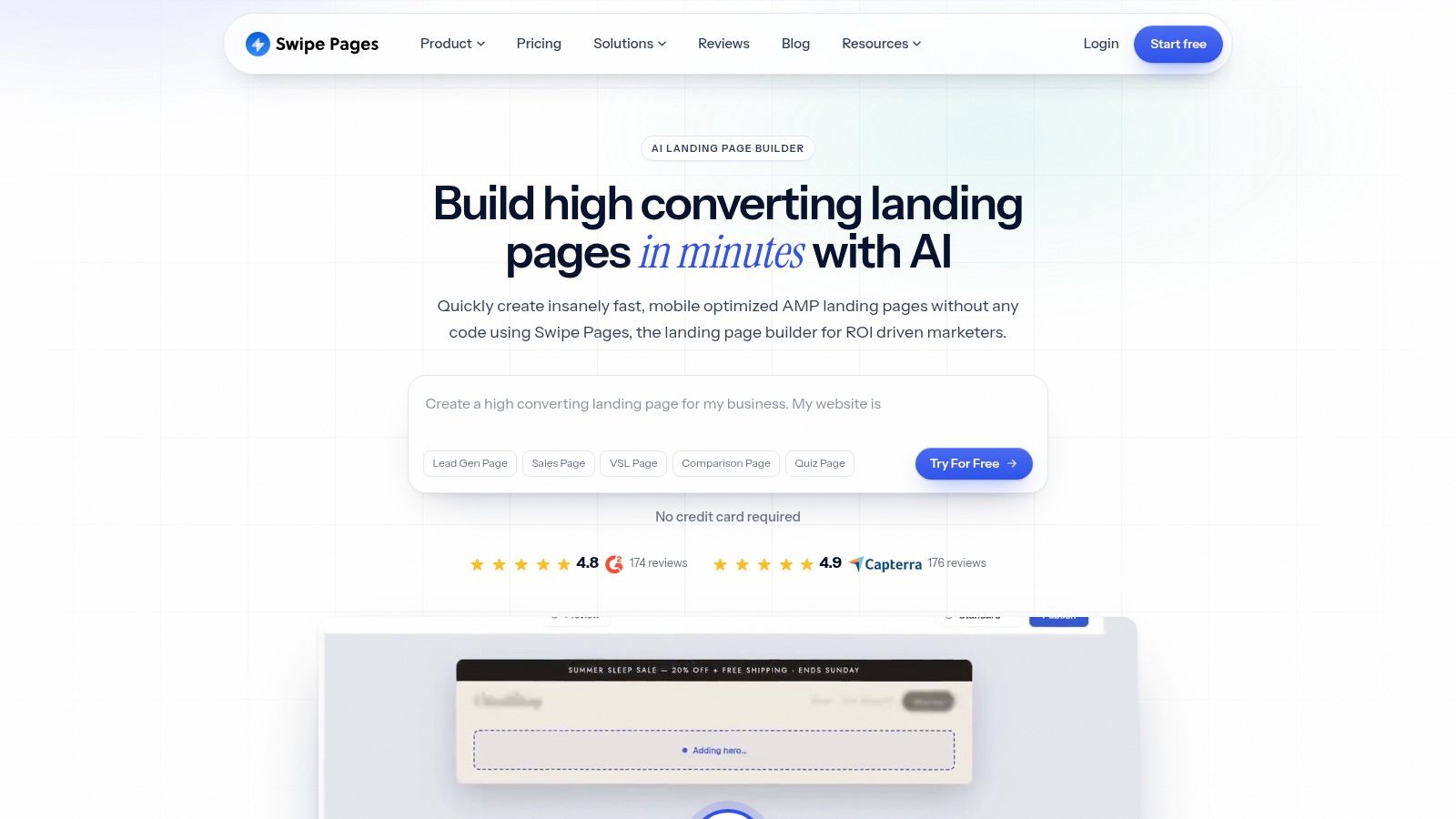
Swipe Pages focuses on the performance problem that paid teams feel immediately: a slow mobile landing page wastes the click before the visitor can evaluate the offer. It emphasizes AMP and Smart Pages, CDN-backed delivery, and quick campaign production.
That speed-first approach is especially relevant because public summaries of Google-linked data report that pages loading in 1 second can produce 3x higher conversion rates than pages taking 5 seconds, while each additional second can reduce conversion by about 7%, as summarized in this conversion optimization statistics overview. The same source set reports that 82.9% of landing page visits come from mobile devices, so mobile rendering and load behavior deserve more attention than a desktop screenshot.
Swipe Pages includes a drag-and-drop builder, forms, funnels, checkout options through Stripe, PayPal, and Razorpay, plus A/B testing and personalization on higher tiers.
Speed comes with constraints
AMP can limit certain scripts, layouts, and interactive patterns. That isn't automatically a problem, but the team should test the page, tracking setup, form behavior, and ad-platform requirements before treating AMP as a universal solution.
Swipe Pages has a clearer value proposition for budget-conscious PPC teams than enterprise platforms. Its limitations are governance depth and advanced personalization. If you need many market variants, complex permissions, or refined audience rules, you may outgrow it.
Best fit: mobile-heavy paid campaigns where speed and quick deployment are more important than advanced governance.
Watch for: script restrictions, higher-tier testing features, and any tracking or layout behavior that changes in AMP mode.
See the current product options on the Swipe Pages website.
10. Landingi
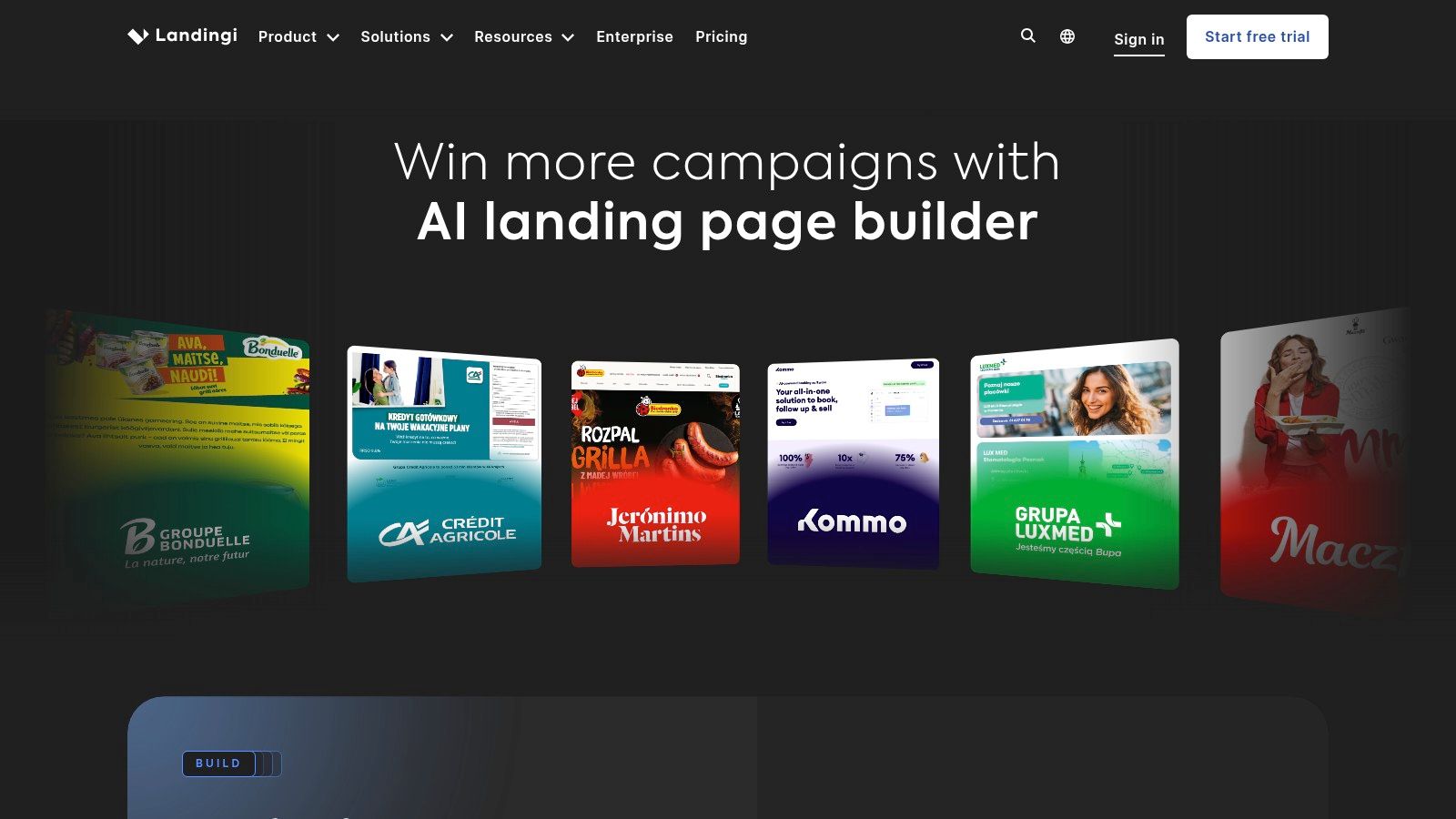
Landingi fits teams whose conversion problem is portfolio management. Its drag-and-drop builder, funnels, popups, behavioral analytics, Smart Sections, and programmatic page generation support multiple offers, markets, and localized variants without requiring every page to be rebuilt manually.
Smart Sections handle shared elements such as headlines, CTAs, and offer blocks. Update a section once, and the change can flow to every page using it. Programmatic tools create variants in bulk, while A/B/X testing lets teams compare more than two page approaches when a single winner is not enough.
The workflow extends beyond page production. EventTracker records behavioral activity, and Lunar uses credits to generate copy and pages. Together, these features suit teams that need repeatable operations and faster content production, though AI usage requires oversight when copy is generated or revised frequently.
Landingi powers 45,806 live websites, compared with 46,724 for Unbounce and 147,299 for ClickFunnels, in a market of at least 206 landing-page builders, as reported by the What's the Big Data landing page statistics roundup. Adoption provides context, not a buying decision. The relevant question is whether the platform supports your page production and testing process.
Choose Landingi for:
- Portfolio management: Shared sections, offers, or design rules must stay consistent across many pages.
- Programmatic production: Localized or offer-specific variants need repeatable creation.
- Practical testing: Behavioral analytics and A/B/X testing should sit within one workflow.
- Controlled cost: You need more operational depth than a basic editor, without the service layer of an enterprise platform.
The trade-off is a smaller enterprise-service layer than platforms such as Instapage or Unbounce. Credit-based AI can also add usage-management work for teams producing copy at scale.
Review the current platform on the Landingi website.
Top 10 Landing Page Tools Comparison
| Product | Core features ✨ | Personalization & experimentation ★ | Ease of setup & integrations | Target audience 👥 | Pricing & USP 💰/🏆 |
|---|---|---|---|---|---|
| Polish 🏆 | Per-visitor headline/subhead/CTA generation; continuous learning ✨ | Per‑visitor dynamic selection; continuous optimization ★★★★★ | One-line script; low engineering overhead; privacy guardrails | Growth leads, CROs, Marketing Managers, CEOs 👥 | 💰Contact sales; 🏆 Automated micro‑segmentation personalization at scale |
| Unbounce | Landing builder, Smart Traffic, Dynamic Text Replacement ✨ | AI traffic allocation + native A/B testing ★★★★ | No‑code builder; strong docs; script/pixel control | PPC / performance marketers 👥 | 💰Usage-based tiers; USP: PPC-focused relevance & experimentation |
| Instapage | AdMap, personalization rules, Global blocks for scale ✨ | Advanced personalization & robust A/B testing ★★★★ | Enterprise integrations; higher TCO | Enterprise ad teams, high‑volume marketers 👥 | 💰Contact sales; USP: ad‑to‑page mapping & scale |
| Leadpages | AI page bootstrap, templates, native A/B (up to 6) ✨ | Basic A/B + AI-assisted variants ★★★ | Fast launch; 50+ integrations; API available | SMBs and small marketing teams 👥 | 💰Transparent tiers; USP: speed‑to‑launch & cost‑effective |
| Webflow | Pixel‑level design, CMS Collections, components ✨ | Relies on apps/integrations for A/B ★★★ | Designer-grade control; steeper learning curve | Designers & dev-forward marketing teams 👥 | 💰Plan limits vary; USP: best‑in‑class design + performance |
| HubSpot (Marketing Hub) | A/B & adaptive testing, Smart Content, CRM tie‑ins ✨ | Integrated personalization & adaptive testing ★★★★ | Native CRM/workflows; low integration overhead if on HubSpot | Teams standardized on HubSpot / CRM-led marketers 👥 | 💰Higher TCO unless already on HubSpot; USP: integrated data & automation |
| ClickFunnels 2.0 | Funnel builder, checkout, funnel-step A/B ✨ | Funnel-level A/B; revenue‑focused testing ★★★ | All‑in‑one setup for funnels & payments | Direct‑response marketers, info‑product sellers 👥 | 💰Subscription tiers; USP: end‑to‑end funnel + payments |
| Framer | Visual builder, on‑page editing, AI edits ✨ | A/B via Advanced Analytics add‑on ★★★ | Rapid premium designs; in‑place editing for non‑designers | Brands needing premium visuals & marketers 👥 | 💰Add‑on costs; USP: designer quality + marketer editing |
| Swipe Pages | AMP/Smart pages, CDN delivery, funnels ✨ | A/B & personalization on higher tiers ★★★ | Mobile‑first builds; clear, value pricing | PPC teams focused on mobile speed 👥 | 💰Budget-friendly tiers; USP: ultra‑fast mobile (AMP) performance |
| Landingi | Drag‑drop builder, A/B/X, Smart Sections, AI (Lunar) ✨ | Programmatic page generation & multivariate testing ★★★★ | Bulk variant generation; 400+ templates; lower entry pricing | Growth/CRO teams managing many pages 👥 | 💰Transparent, lower entry pricing; USP: programmatic & Smart Sections |
Match the Platform to the Next Conversion Test
There isn't one universal winner among the best landing page tools. The right choice depends on what's blocking the next measurable improvement.
Choose Polish when the priority is low-overhead, per-visitor personalization of headlines, subheadings, and CTAs. It's the most direct fit when the team wants automated message adaptation based on source, campaign, device, country, and visit status without manually creating every page variant.
Choose Unbounce or Instapage when paid acquisition and post-click relevance dominate. Unbounce is a practical fit for PPC teams that want mature testing, dynamic text replacement, and traffic allocation. Instapage is better suited to larger organizations that need structured ad mapping, reusable assets, collaboration, and personalization across markets or brands.
Choose Leadpages or Landingi for fast launches and practical experimentation. Leadpages favors speed, accessible production, lead capture, and integrations. Landingi adds stronger portfolio management through Smart Sections and programmatic page creation, which makes it more useful when the page count starts to grow.
Choose Webflow or Framer when design control is central. Webflow offers a stronger CMS and component-oriented foundation, while Framer favors fast, polished visual production and marketer-friendly on-page editing. Neither should be selected solely for experimentation. Confirm how the required testing and analytics integrations will work before committing.
HubSpot makes the most sense when CRM, forms, automation, and lifecycle data already live in its ecosystem. The benefit is less integration work and a clearer path from page conversion to sales or nurture action. ClickFunnels is the better choice when the complete journey, from landing page to checkout and follow-up, belongs in one system.
Swipe Pages is the focused option when mobile speed is the primary constraint. Its speed-first approach can be valuable for paid traffic, but test AMP restrictions, scripts, forms, analytics, and layouts against the actual campaign before rollout.
Your final evaluation should cover more than editor quality:
- Implementation effort: Who installs scripts, configures analytics, maps integrations, and owns ongoing changes?
- Testing requirements: Does the platform support the volume and type of experiments your team can realistically run?
- Traffic and audience fit: Can it handle your acquisition channels, regions, devices, and returning visitors?
- Governance: Can you control approvals, brand voice, legal claims, permissions, and shared assets?
- Performance impact: Does the tool preserve mobile usability, load behavior, and tracking reliability?
- Total cost: Include plan limits, add-ons, traffic usage, AI credits, integrations, services, and migration.
The public benchmark data also shows why a generic “best builder” label is insufficient. Across 41,000 landing pages, the median conversion rate was 6.6%, while traffic source and page type varied substantially. Email traffic converted at 19.3%, paid search at 10.9%, paid social at 12%, and display at 4.1% in the same benchmark, with events and entertainment at 12.3% and SaaS at 3.8%, according to the landing page conversion dataset summary. A platform that works well for one channel or vertical may be poorly matched to another.
Start with one bottleneck, not a platform shopping list. Define the conversion action, identify the audience or step that underperforms, choose the tool that directly addresses that problem, and establish the measurement before launch. Then judge the platform by whether it helps your team run the next useful test faster and with less operational friction.
Polish offers autonomous landing-page personalization that writes and serves headline, subheading, and CTA variants for each visitor based on their source, campaign, device, country, and visit status. If message relevance is your next conversion bottleneck, visit Polish to see how a lightweight script can turn one landing page into a continuously improving experience.
- best landing page tools
- landing page builders
- CRO tools
- conversion optimization
- growth marketing
Your website rewrites itself until it converts.
Polish writes new versions of your headlines and CTAs, tests them on your real visitors and keeps the ones that win.
Start free